
Account settings
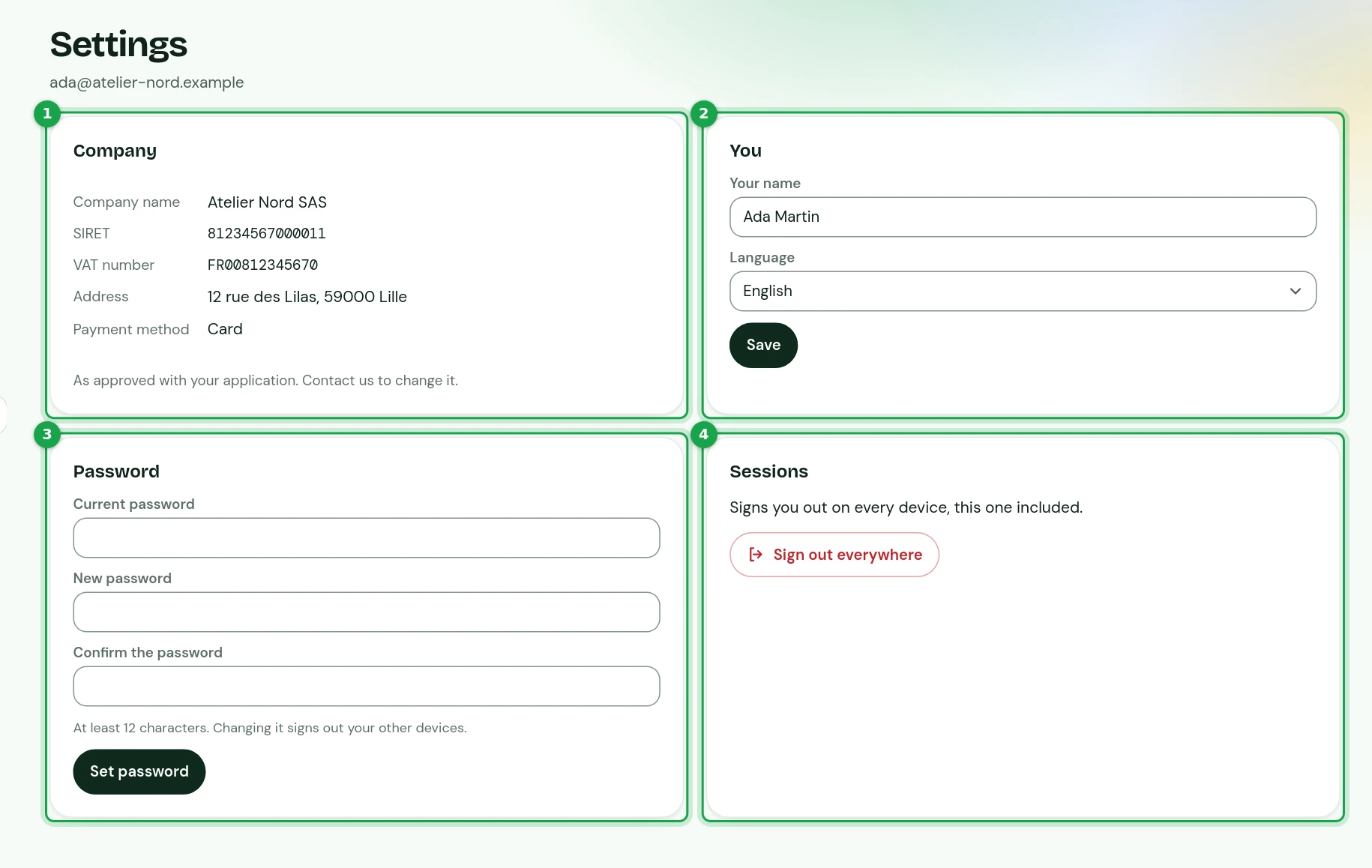
The Settings page holds your company details, your name and language, your password and your sessions. Your email address, under the title, identifies your account: to change it, contact us at contact@brume-cloud.com.
Company
The company your invoices are addressed to, as approved with your application, and how you pay. It is read-only: to change it, contact us at contact@brume-cloud.com. See Payment.
You
Edit Your name and choose the console's Language (English or French), then click Save. Emails from Brume are written in the language saved here. The language button in the top bar changes only what this browser displays.
Password
- Enter your Current password.
- Enter the new one twice: at least 12 characters.
- Click Set password.
Changing your password signs out your other devices.
Lost it? Click Forgot your password? on the sign-in page: a link to choose a new one is emailed to your address, valid for one hour.
Sessions
Sign out everywhere signs you out on every device, this one included. Use it if you signed in on a computer that is not yours.
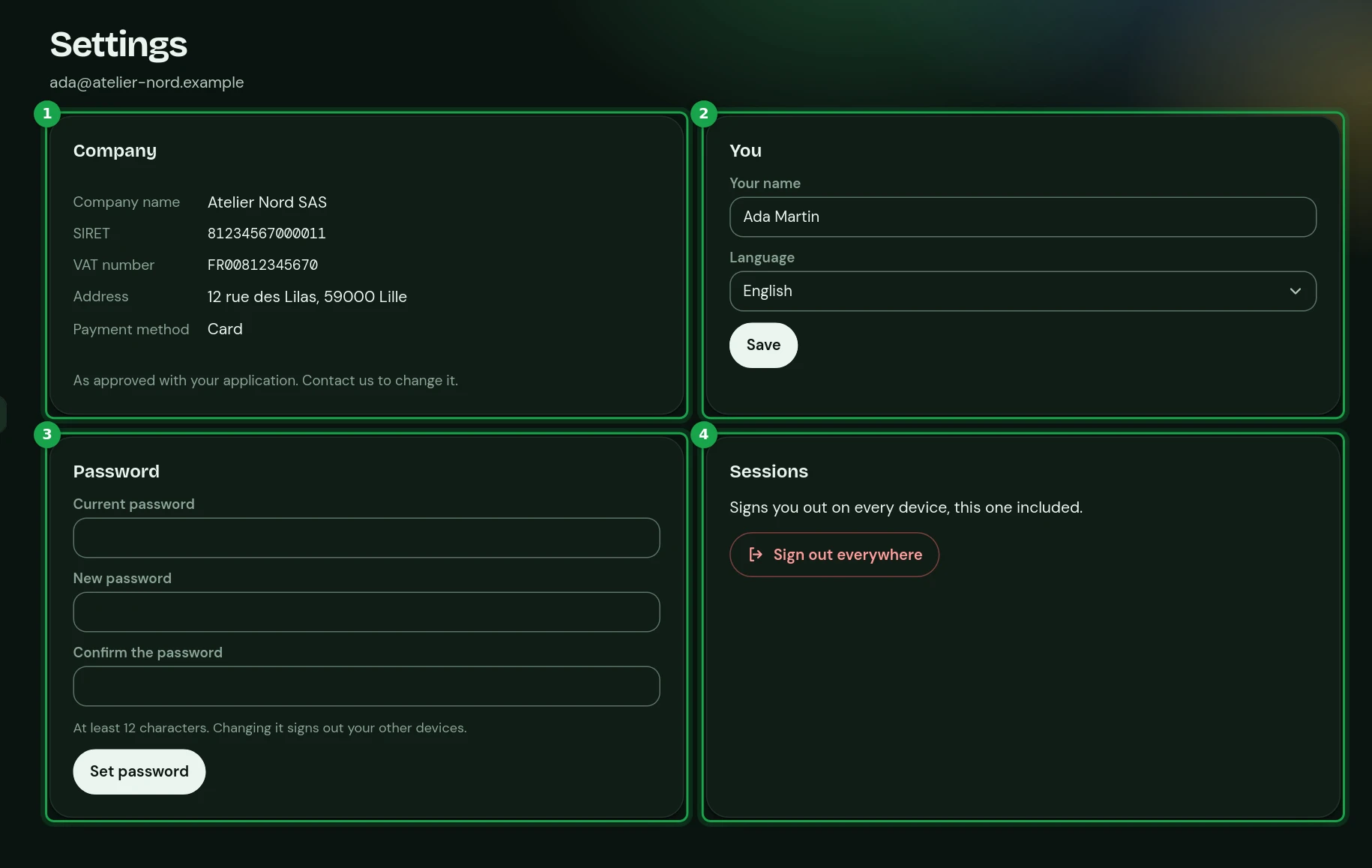
Theme and signing out
The theme button in the top bar switches between Auto (your system's setting), Light and Dark. To sign out, click the button next to your name, at the bottom of the menu.