
Your first bucket
This tutorial orders a BackupS3 service, uploads a file from the console and lists it with rclone, an open-source S3 client. It takes about five minutes.
You need a Brume account with a payment method. See Get an account and look around.
1. Order a service
A service is the unit you order on BackupS3: one key pair, one reserved capacity, as many buckets as you need.
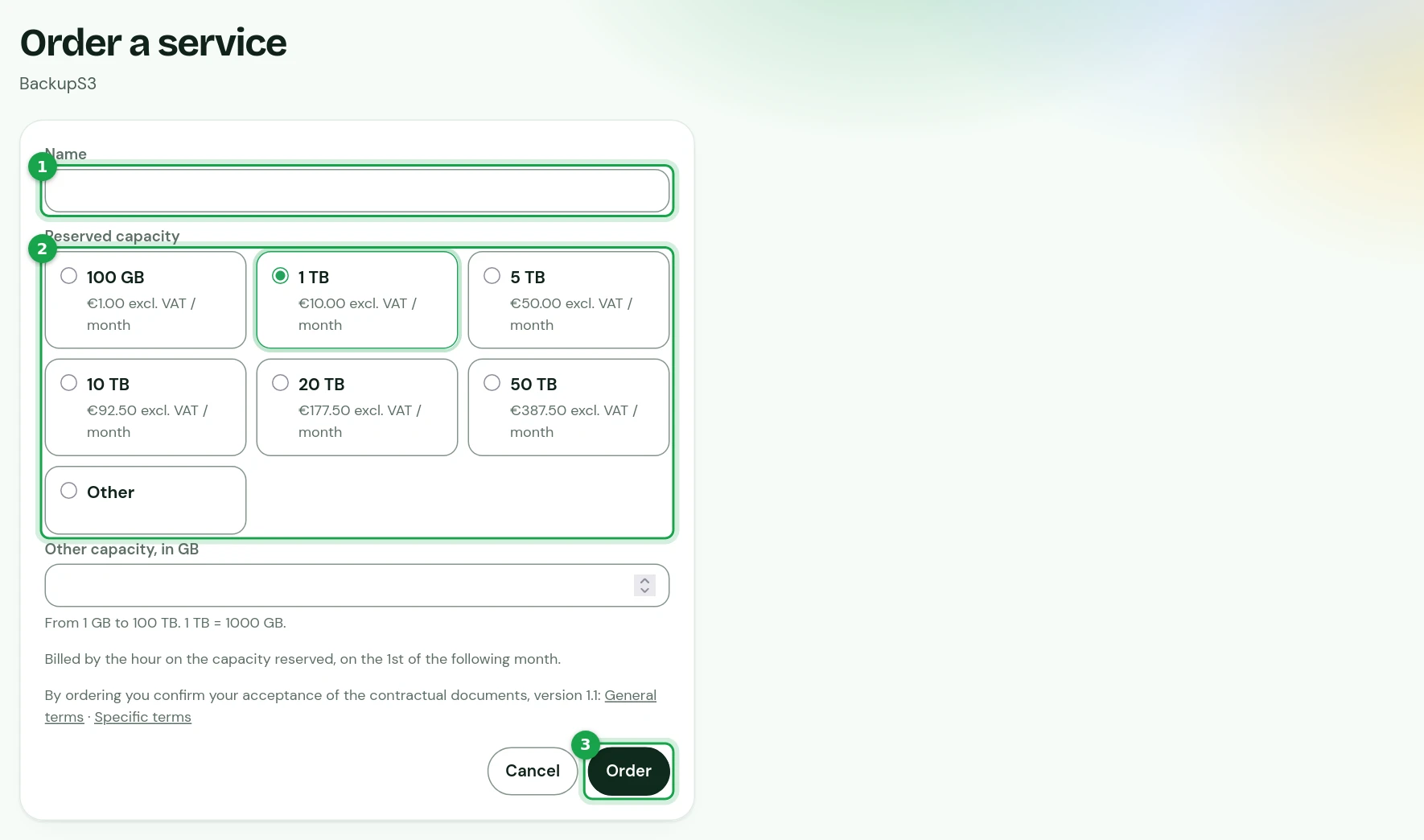
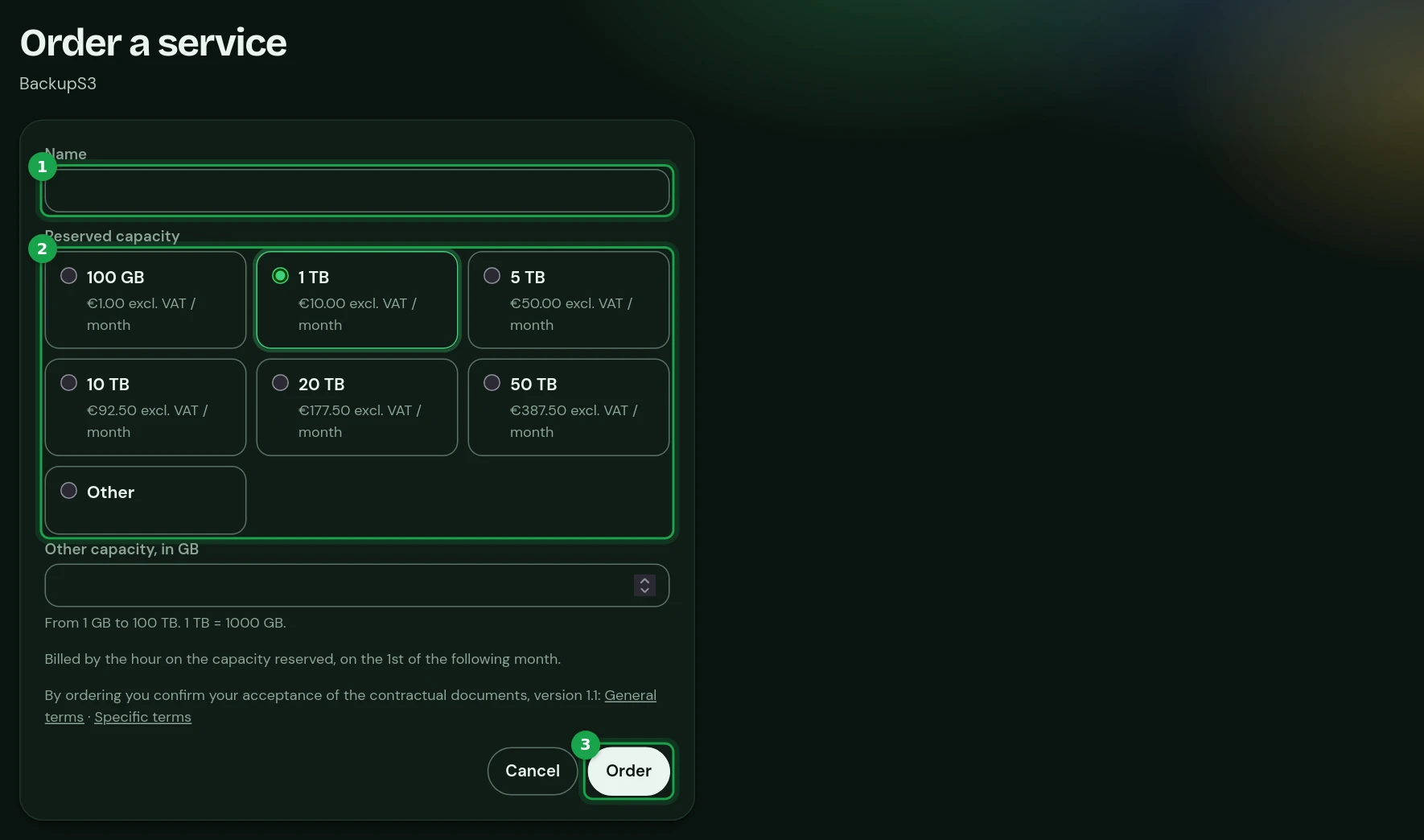
- Open BackupS3 and click New service.
- Give it a Name, for example
media-prod. - Pick a Reserved capacity, or Other to type one in GB. Each choice shows its monthly price. You can change it later.
- Click Order.
The service is ready at once. It is billed by the hour from the hour you ordered it in, on the 1st of the following month: nothing is charged now.
2. Create a bucket and upload a file
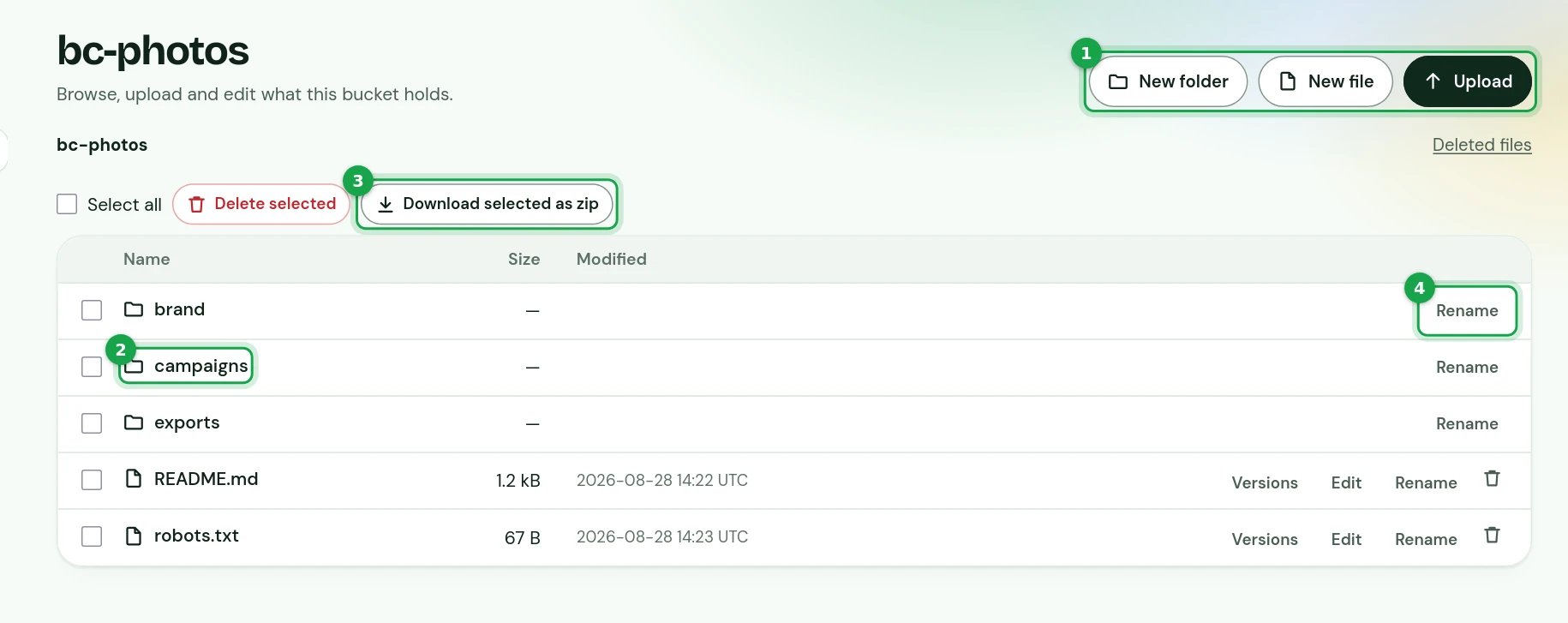
- Open the service. Under Buckets, type a name in New bucket and click Add.
- Click Browse files on the bucket.
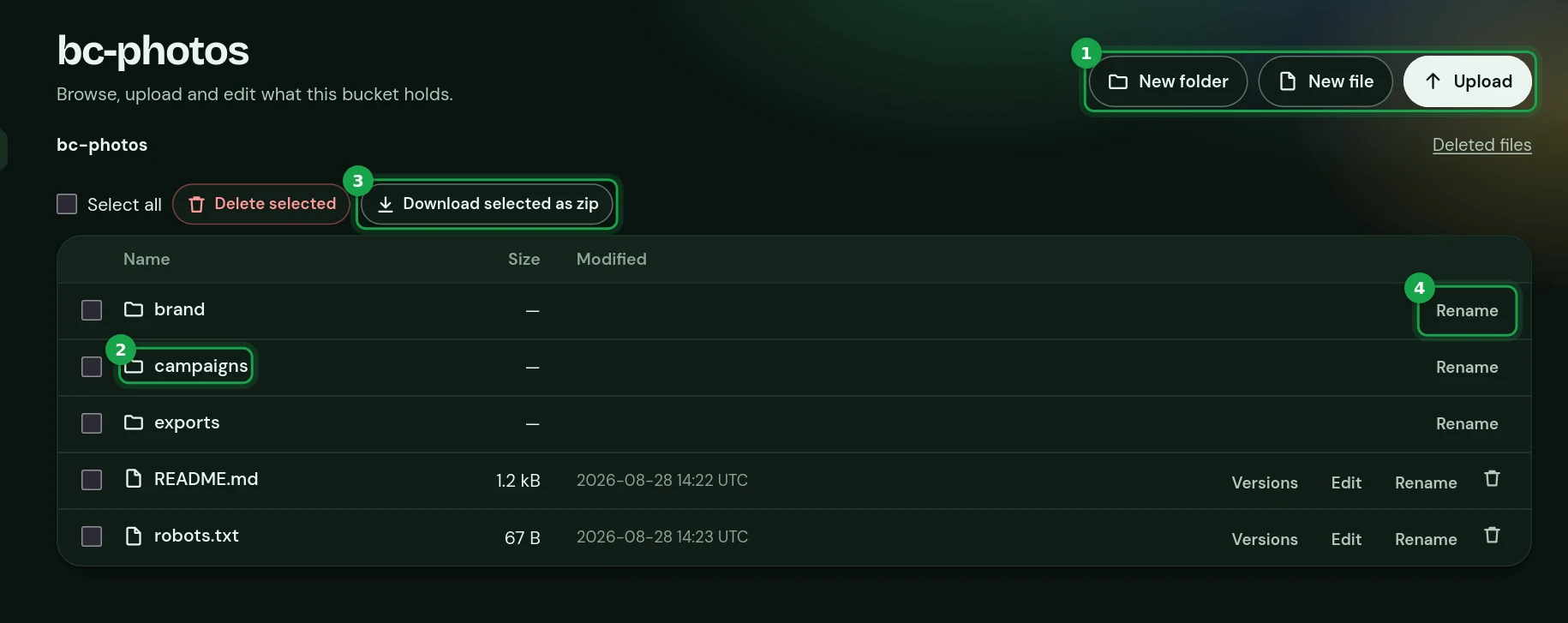
- Drop a file onto the page, or click Upload.
The file goes straight from your browser to the storage cluster. See File explorer for everything the explorer does.
3. Copy your credentials
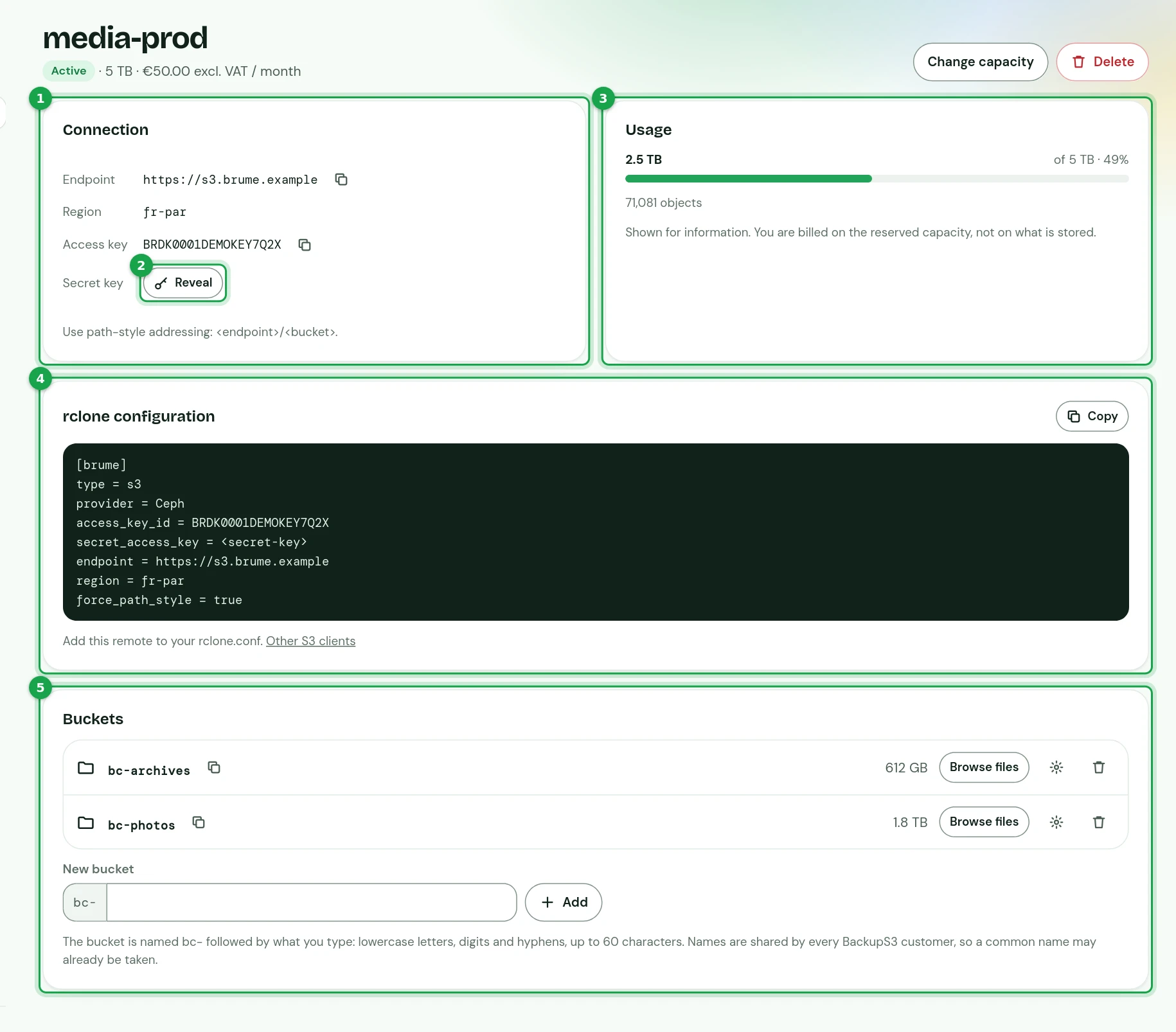
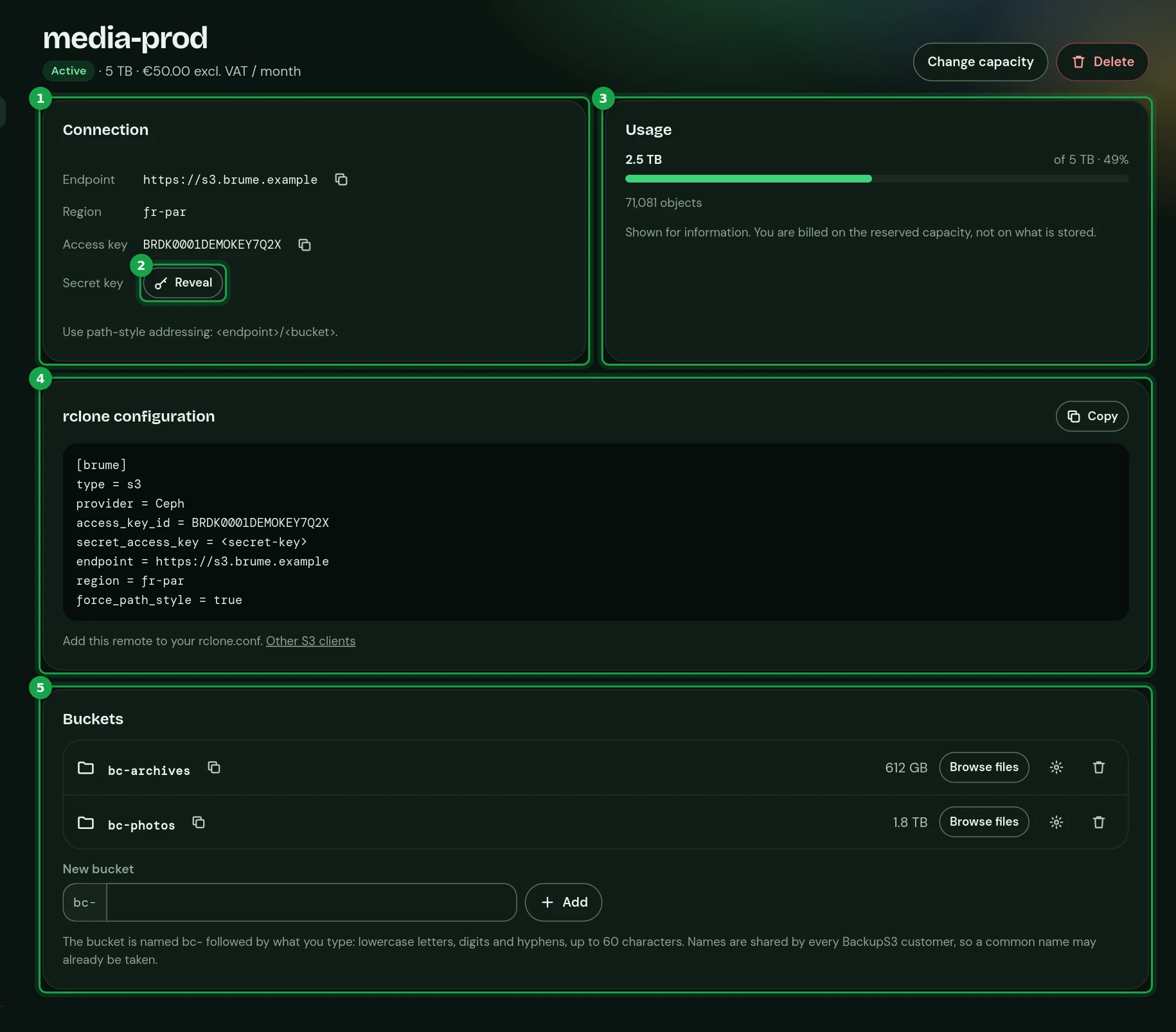
The service's page holds everything a client needs under Connection. The Secret key appears when you click Reveal. Paste the values below to fill the examples of this documentation; keep BackupS3 selected.
Paste the values from the console once: every configuration on these pages fills itself in.
Where to find them: Service → Connection
🔒 Stays in this browser tab. Nothing is saved or sent anywhere.
Keep the secret key secret
Anyone holding the key pair can read and write every bucket of the service.
4. List the bucket with rclone
Install rclone, then add the remote shown under rclone configuration to your rclone.conf (Copy puts it on your clipboard; run rclone config file to see where that file is). It is the same as this one:
[brume]
type = s3
provider = Ceph
access_key_id = <access-key>
secret_access_key = <secret-key>
endpoint = <endpoint>
region = <region>
force_path_style = true
List your bucket:
rclone ls brume:<bucket>The file you uploaded in step 2 is listed.
Path-style addressing
Buckets are addressed by path (<endpoint>/<bucket>). URLs of the form <bucket>.<endpoint> are not served, which is why the remote sets force_path_style = true.
Next steps
- Set up s3cmd or Cyberduck, or learn more rclone commands.
- Learn how capacity changes are billed.