
Unpaid invoices
When a card payment fails, Brume retries it several times before restricting anything. This page describes the timeline and how to get back to normal.
Your data is safe
No automatic process ever deletes your data. After a long unpaid period a service is frozen and queued for deletion, and a person at Brume reviews every deletion before it happens.
Timeline
Days are counted from the failed charge on the 1st. Each step is emailed to you.
The charge fails. The service keeps running normally.
Click a step for details.
| Day | What Brume does | State of the service |
|---|---|---|
| Day 0 | The charge fails. | Active |
| Day 3 | First retry. Email: the payment failed. | Active |
| Day 7 | Second retry. Email: update your card. | Active |
| Day 10 | Third retry. If it fails, the services on this invoice are suspended. | Read-only |
| Day 30 | The services on this invoice are stopped and queued for deletion. | Queued for deletion |
Only the services billed on the unpaid invoice are affected; your other services keep running.
This timeline is for card accounts. An account paying by bank transfer is not chased automatically: we contact you when an invoice is past its terms.
What the states mean
Read-only
- Reads and downloads work. Writes, new buckets and capacity changes are refused.
- The service is still billed: its capacity stays reserved and its data stored.
Queued for deletion
- The service is frozen and no longer billed.
- Your data is intact.
- The service accepts no changes.
Get back to normal
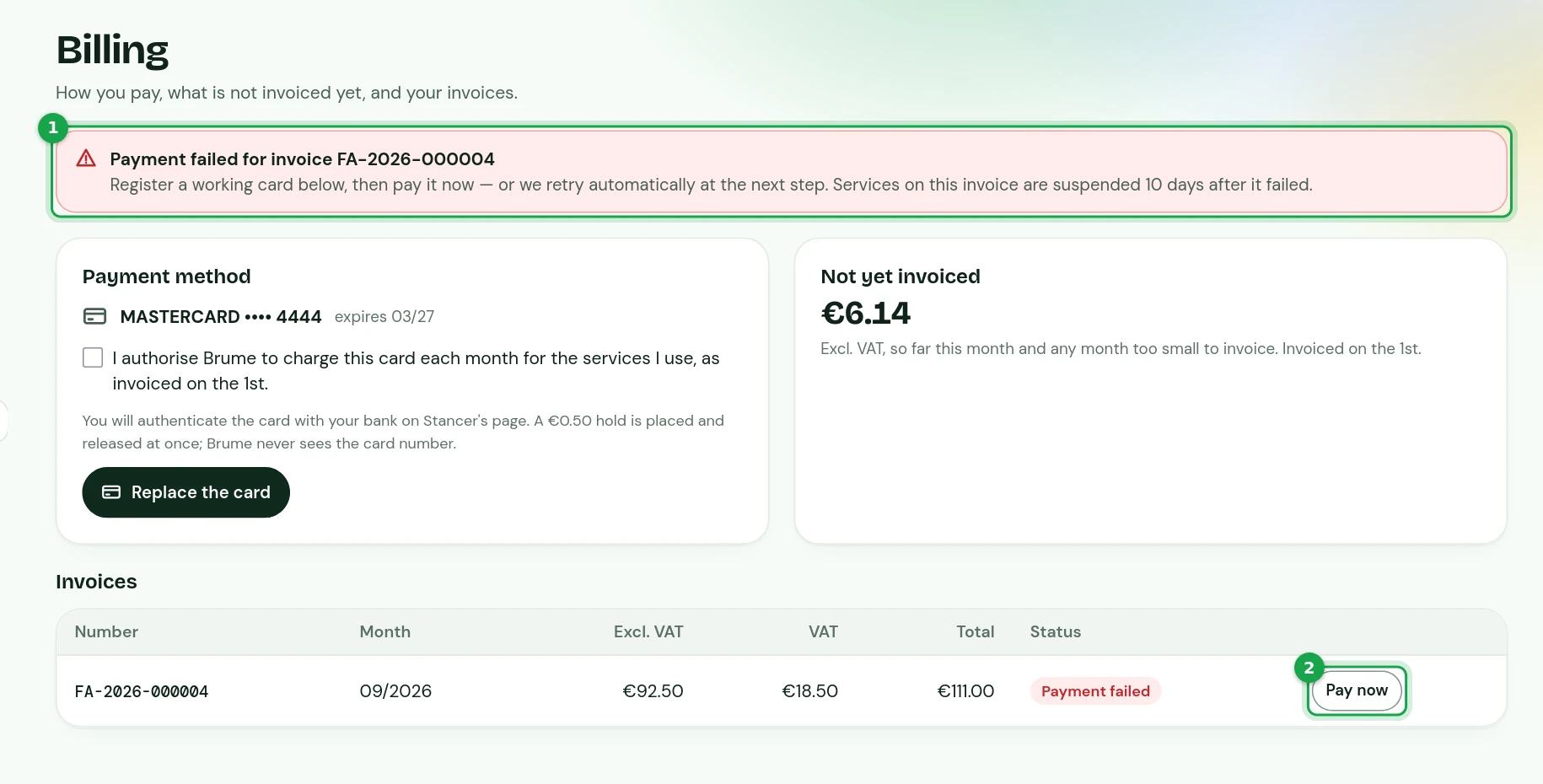
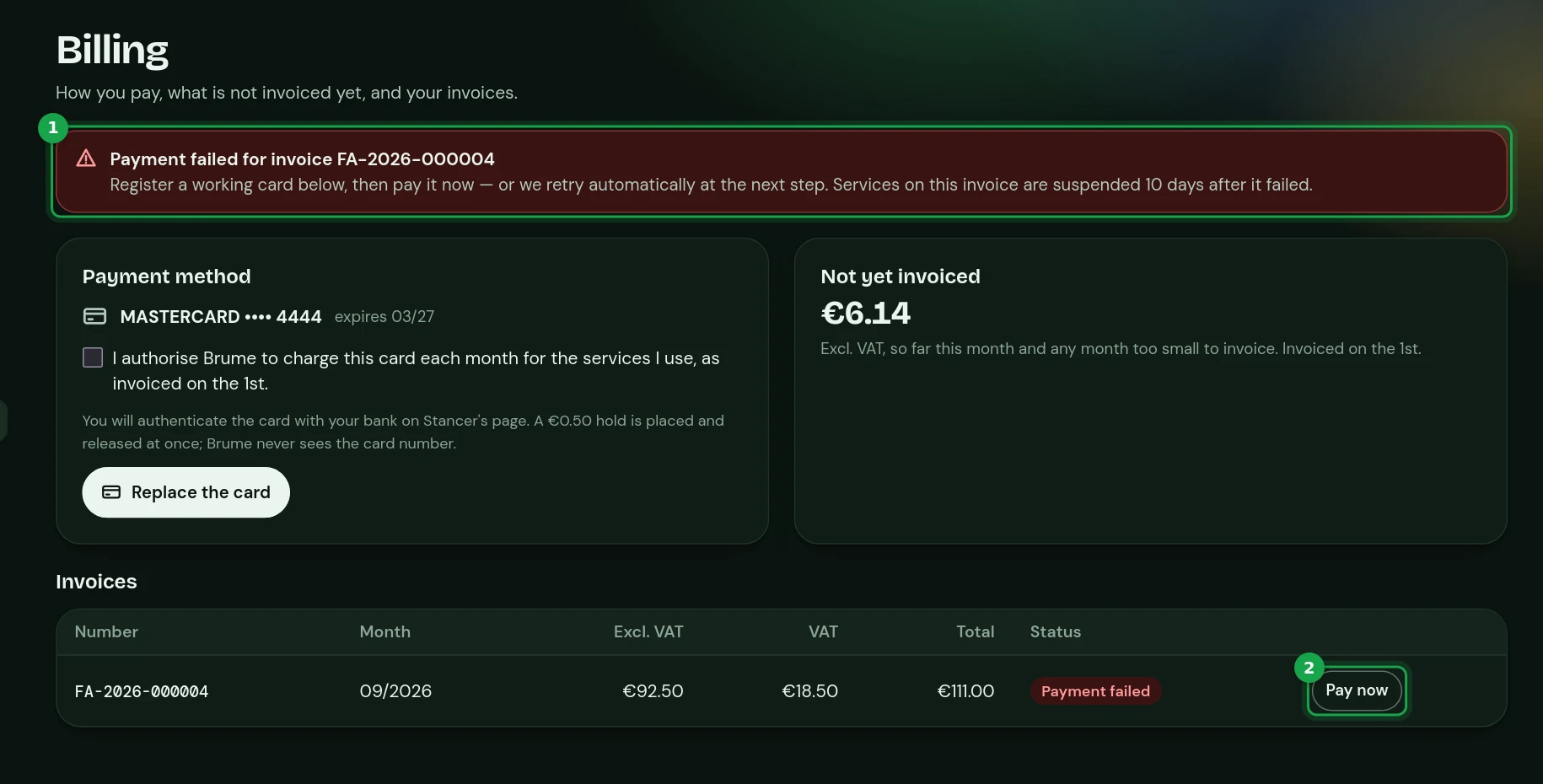
- Open Billing: a banner names the invoice whose payment failed.
- If the card is the problem, replace it under Payment method.
- In Invoices, click Pay now on that invoice.
Once the invoice is paid, its suspended services take writes again, and the remaining steps are cancelled. If you do nothing, the next retry happens at the next step anyway.
After day 30
Paying the invoice does not bring back a service that is queued for deletion: write to us at contact@brume-cloud.com and we restore it, as long as its data has not been erased. A service restored while its invoice is still unpaid comes back read-only until it is paid.