
Payment
Each Brume account pays one way: by card, the usual case, or by bank transfer. You ask for one in your application, and we confirm it when we approve the account. The Payment method panel of Billing shows yours. You can change it later: see Change how you pay.
Pay by card
Each monthly invoice is charged to the card on file on the 1st, when it is issued. You do not have to do anything: the invoice turns Paid. If the charge fails, see Unpaid invoices.
Register or replace a card
- Open Billing.
- Under Payment method, tick the box authorising Brume to charge the card each month for the services you use.
- Click Register a card (or Replace the card).
- Authenticate the card with your bank on Stancer's page.
A 0.50 € hold is placed to check the card and released at once. Card payments are handled by Stancer: Brume never sees the card number. Back in the console, the panel shows the card's brand, its last four digits and its expiry.
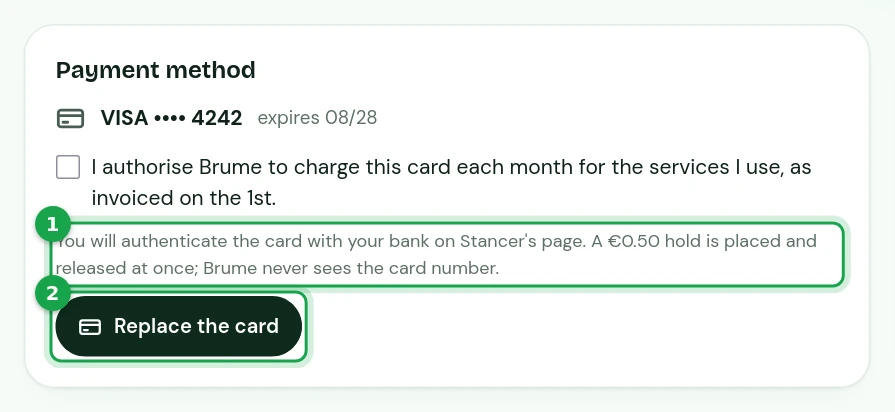
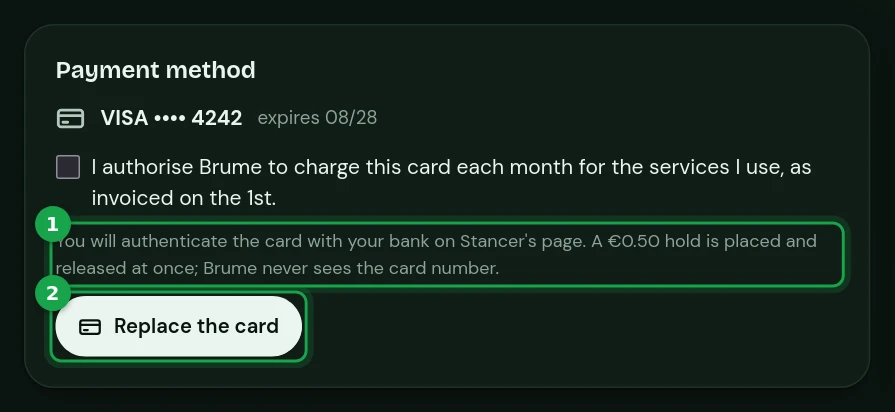
A card account needs a card on file to order a service. Replacing the card keeps your services and invoices as they are; the next charge goes to the new card.
Pay by bank transfer
Accounts approved for it pay each invoice by transfer. The panel shows:
| Payment terms | How many days after the invoice is issued it is due. |
| Credit limit (excl. VAT) | The ceiling on what you owe and are about to owe: unpaid invoices, hours not yet invoiced, and a month of every running service. A new service or a capacity raise that would take this past the limit is refused; contact us to raise it. |
| Bank details | Where to send the money. |
Quote the invoice's number with each transfer. Transfers add up: an invoice paid in several transfers shows Partly paid and what is left, until it is Paid. The Brume team records each transfer when it reaches the bank, so it can take a day or two to show.
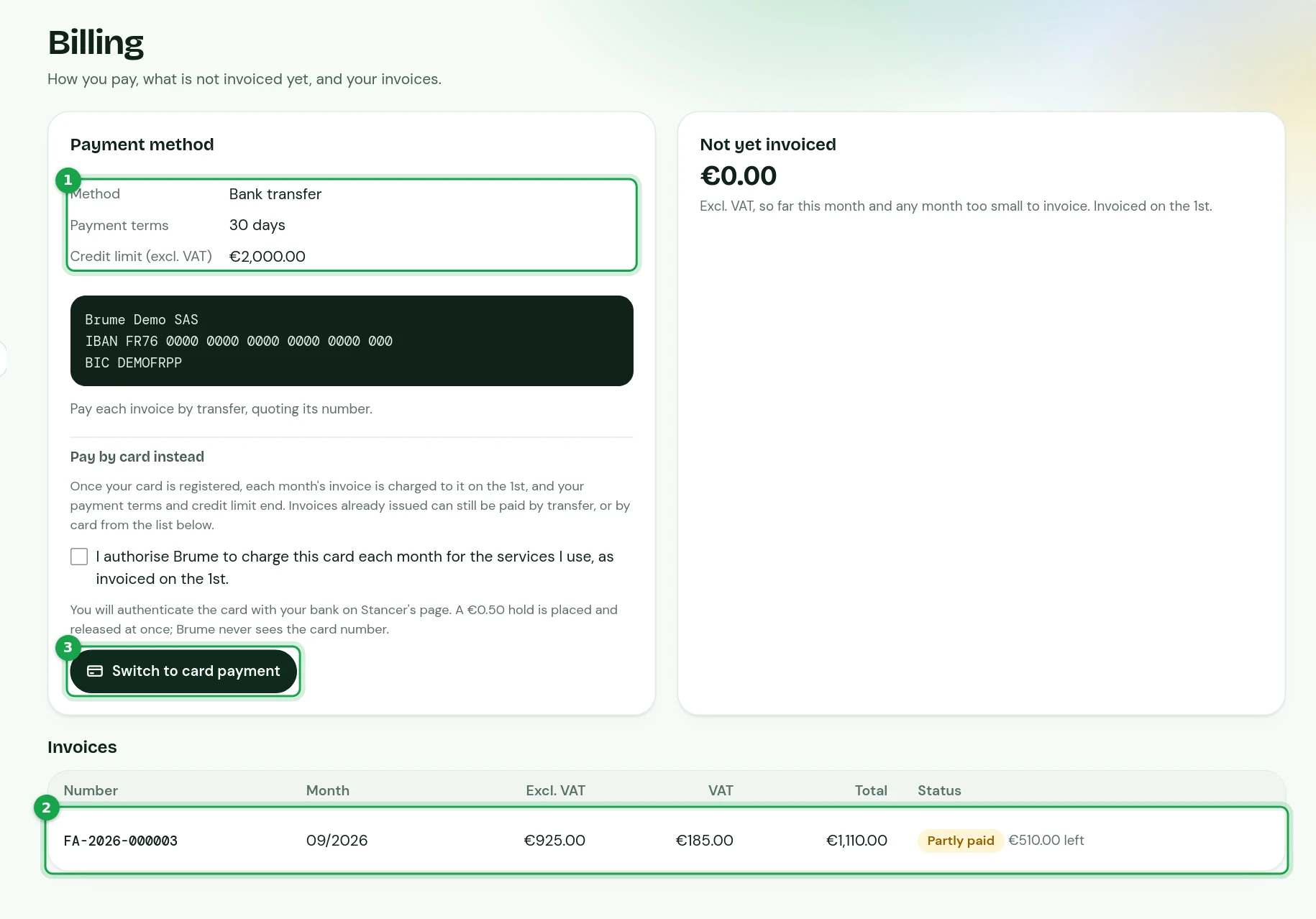
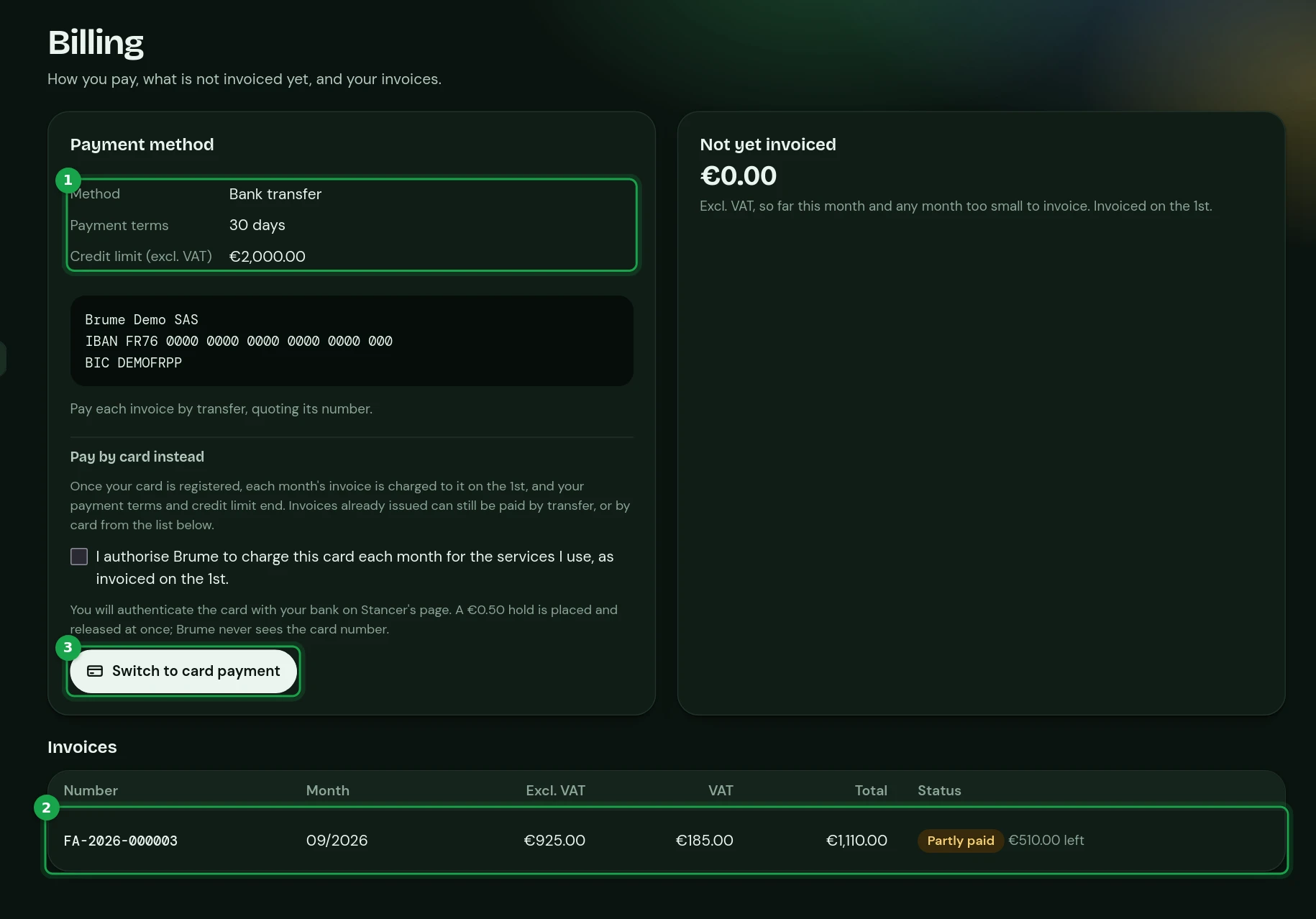
An overdue transfer invoice is not chased automatically: we contact you.
Change how you pay
From transfer to card, on your own:
- Open Billing.
- Under Pay by card instead, tick the box authorising Brume to charge the card each month.
- Click Switch to card payment, and authenticate the card with your bank on Stancer's page.
Once the card is registered, your account pays by card: the next invoices are charged to it, and your payment terms and credit limit end. If the bank does not authenticate the card, nothing changes. Invoices issued before the switch can still be paid by transfer, on their own due date, or by card with Pay by card in the invoice list. You get an email confirming the change.
From card to transfer, write to us at contact@brume-cloud.com and say why you need to. We set your payment terms and credit limit, and you get an email with them. Your card stays on file but is no longer charged each month. We make the change once no card invoice is left unpaid.
Your company details
Your invoices are addressed to the company approved with your application. Settings shows it under Company; to change it (an address, a VAT number), contact us. A change applies to the next invoices; issued ones keep the details they were issued with.