
Dedicated servers
Brume rents dedicated servers, managed Proxmox VE servers, high-availability clusters and storage servers, on refurbished enterprise hardware hosted in France. The dedicated servers simulator shows the price of any configuration on the catalogue in force, and sends it to us as a quote request. Opening it needs no account; sending a request does.
Price a configuration
Open the simulator, or Dedicated servers in the console menu. Signed in, it opens inside the console, with its menu.
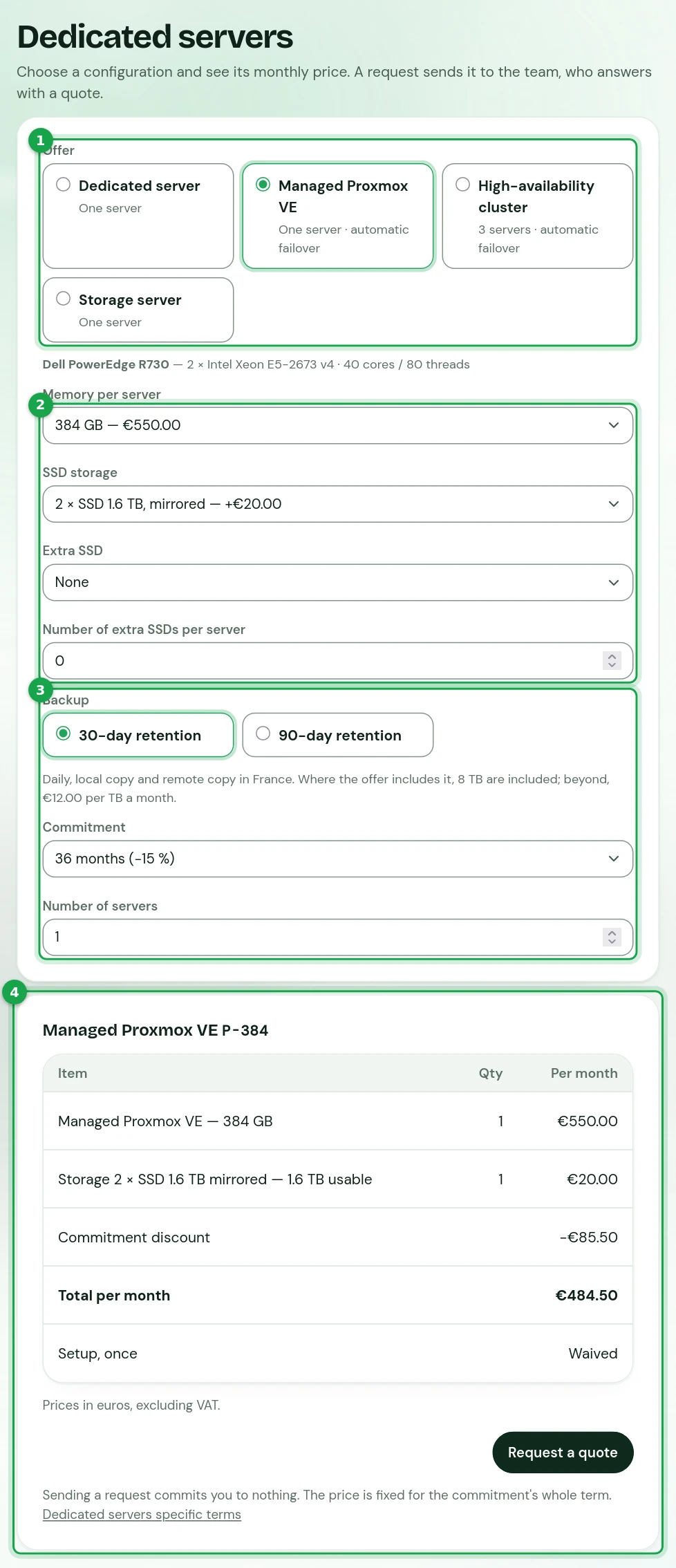
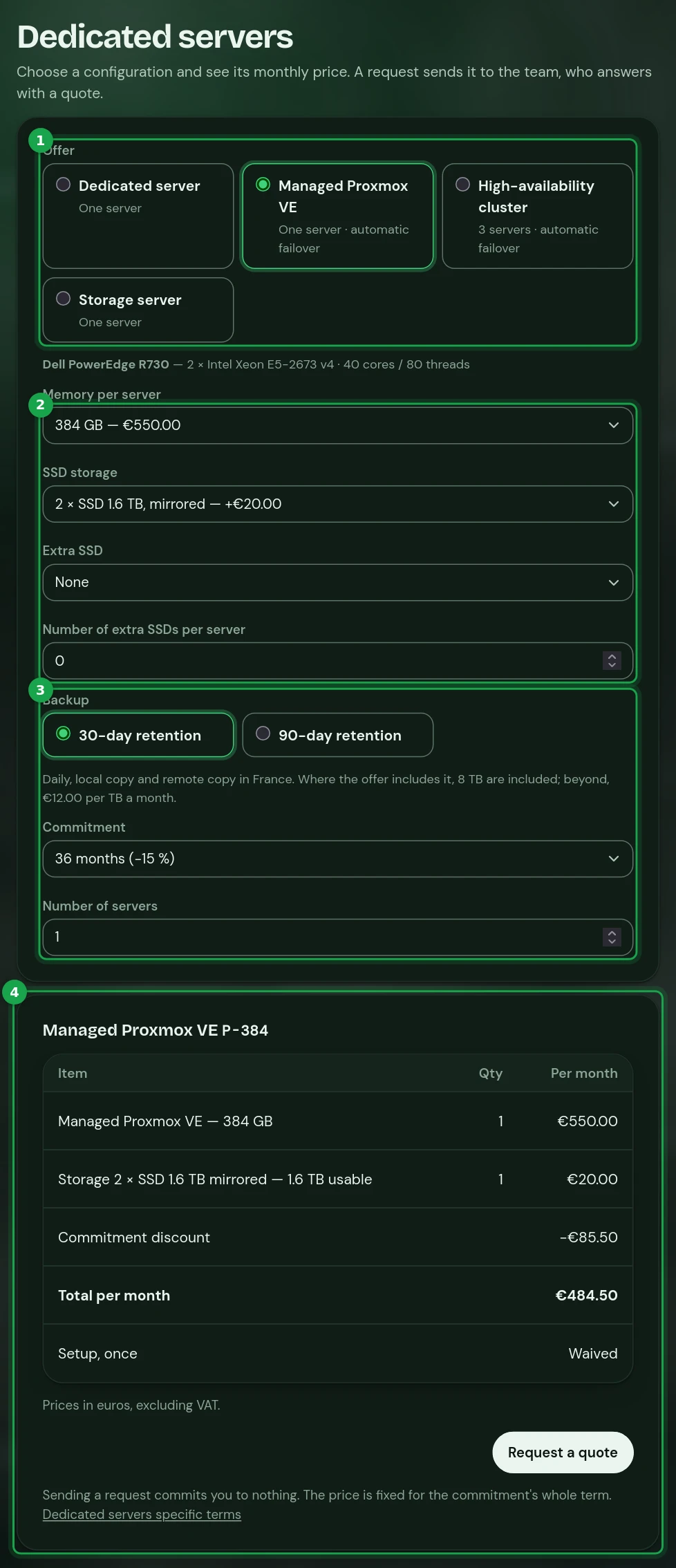
- Choose the offer: dedicated server, managed Proxmox VE, high-availability cluster or storage server. When several server models sell it, choose the model too; the number in stock shows when we give it.
- Choose the memory per server and the SSD storage (a mirrored pair), and add extra SSDs if you need more; for a storage server, choose the disks instead. Only the sizes the model takes are offered. An extra SSD starts at two per server on a mirror and one on a cluster.
- Choose the backup retention where the offer has one, any other option, the commitment and the number of servers.
- The price follows each change: the lines, the commitment discount or the no-commitment surcharge, the monthly total and the setup fee, all excluding VAT. A note says when something needs your attention, such as an odd number of extra SSDs on a mirror.
The price shown is the catalogue's, computed by the console; it is the price of the quote we send you.
Request a quote
Click Request a quote. If you are not signed in, the console asks you to, then brings you back to the same configuration.
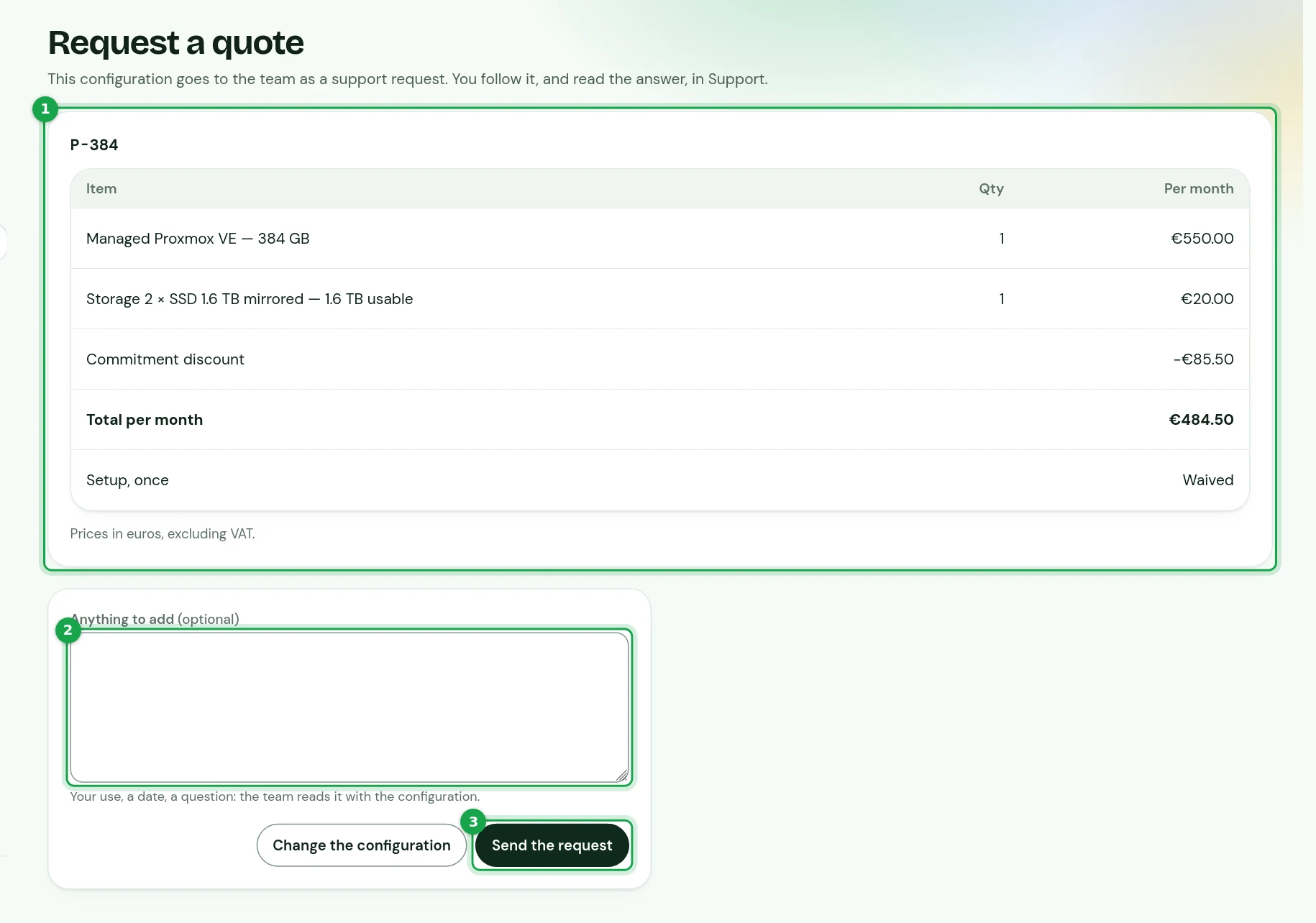
Check the configuration, add what we should know (your use, a date, a question) and click Send the request. It opens a support request of type Quote with the configuration and its price; you follow it, and read our answer, in Support, where the request keeps the configuration as you sent it, priced on that day's catalogue. Sending a request commits you to nothing: the order is the services contract you sign afterwards.
The prices and conditions are on the Pricing page; the terms are in the Dedicated servers terms.