
BackupS3
BackupS3 is Brume's object storage built for backups. It runs on Ceph, on one site, with erasure coding: your data is cut into fragments plus parity rather than copied three times, so it costs less to keep, and large backups are written and read across many disks at once. Any S3-compatible client works with it unchanged, such as the open-source rclone, s3cmd and Cyberduck.
Services
You order services. Each one is independent, with:
- its own S3 key pair,
- its own reserved capacity, shared by all its buckets,
- as many buckets as you need: buckets are free, the capacity is what is billed.
A common layout is one service per environment or per application, so that keys and capacities stay separate.
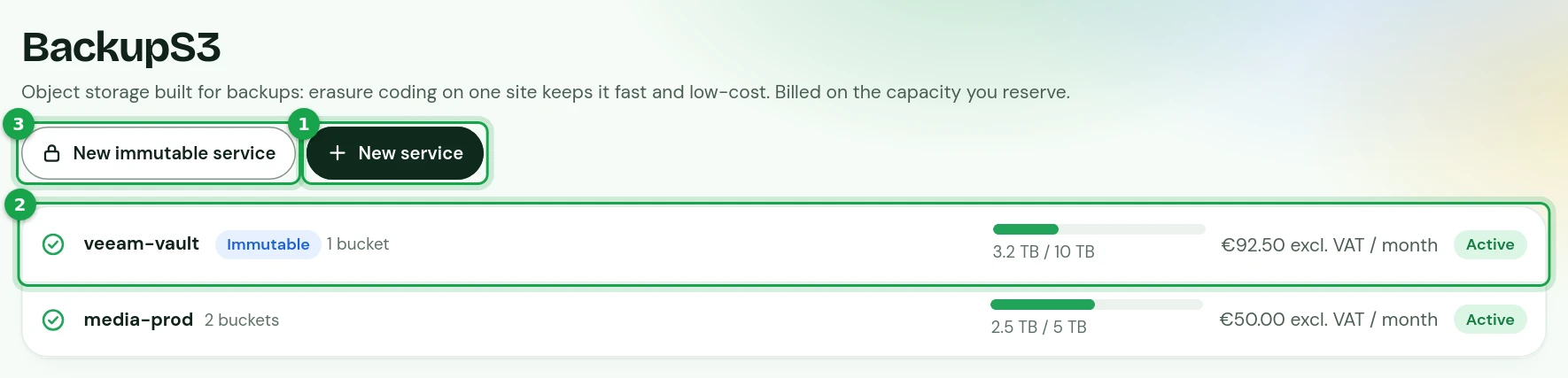
Order a service
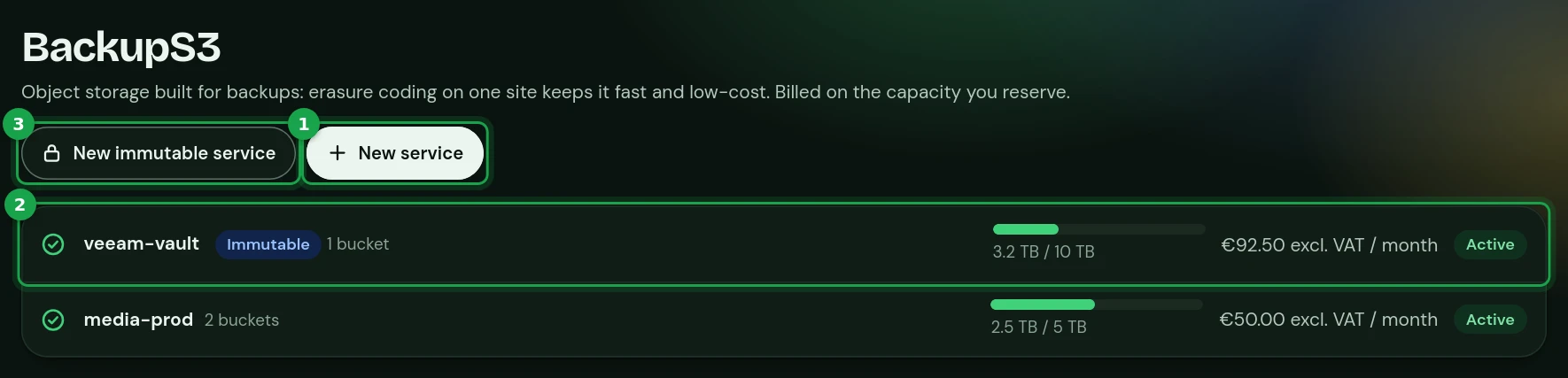
- Open BackupS3 and click New service.
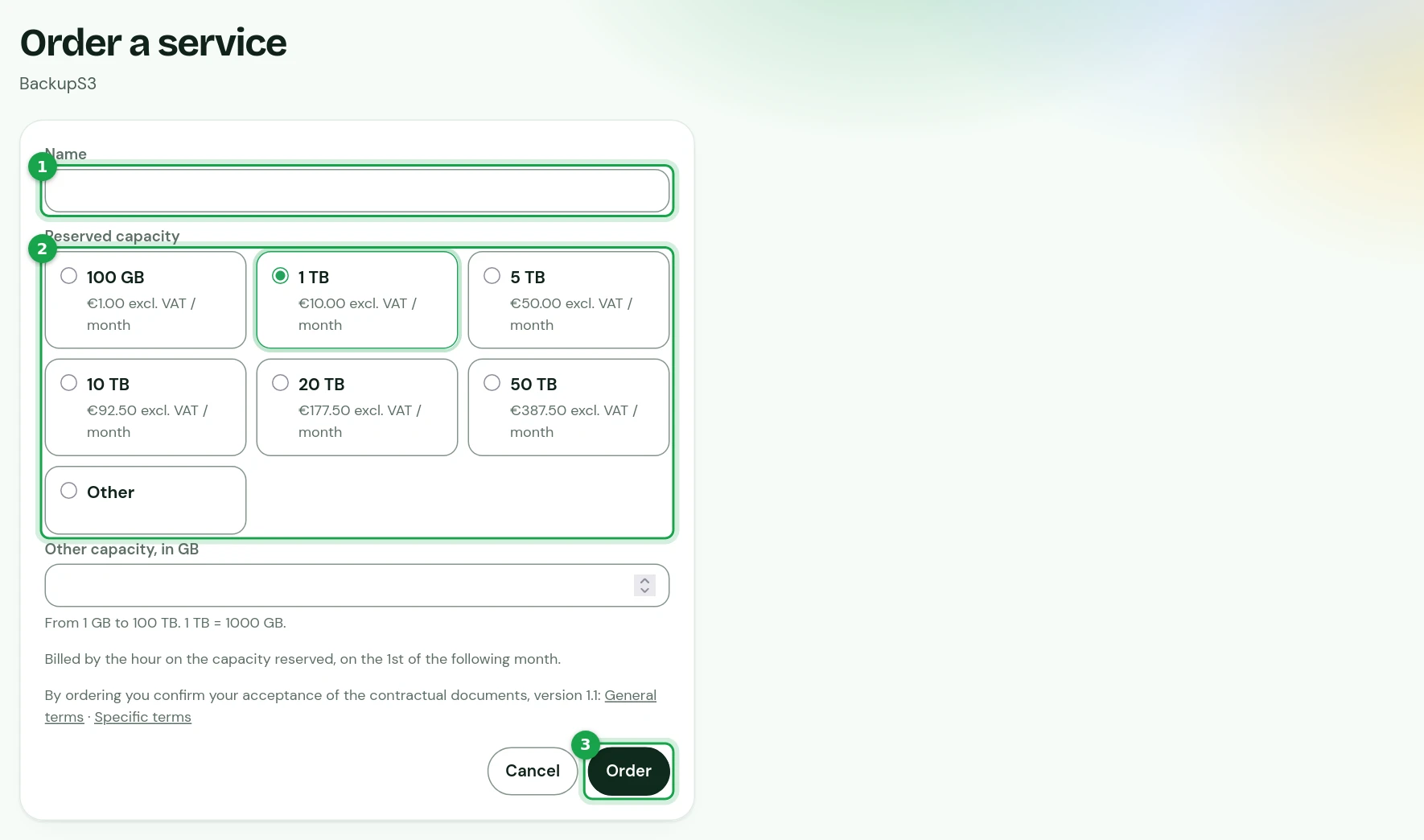
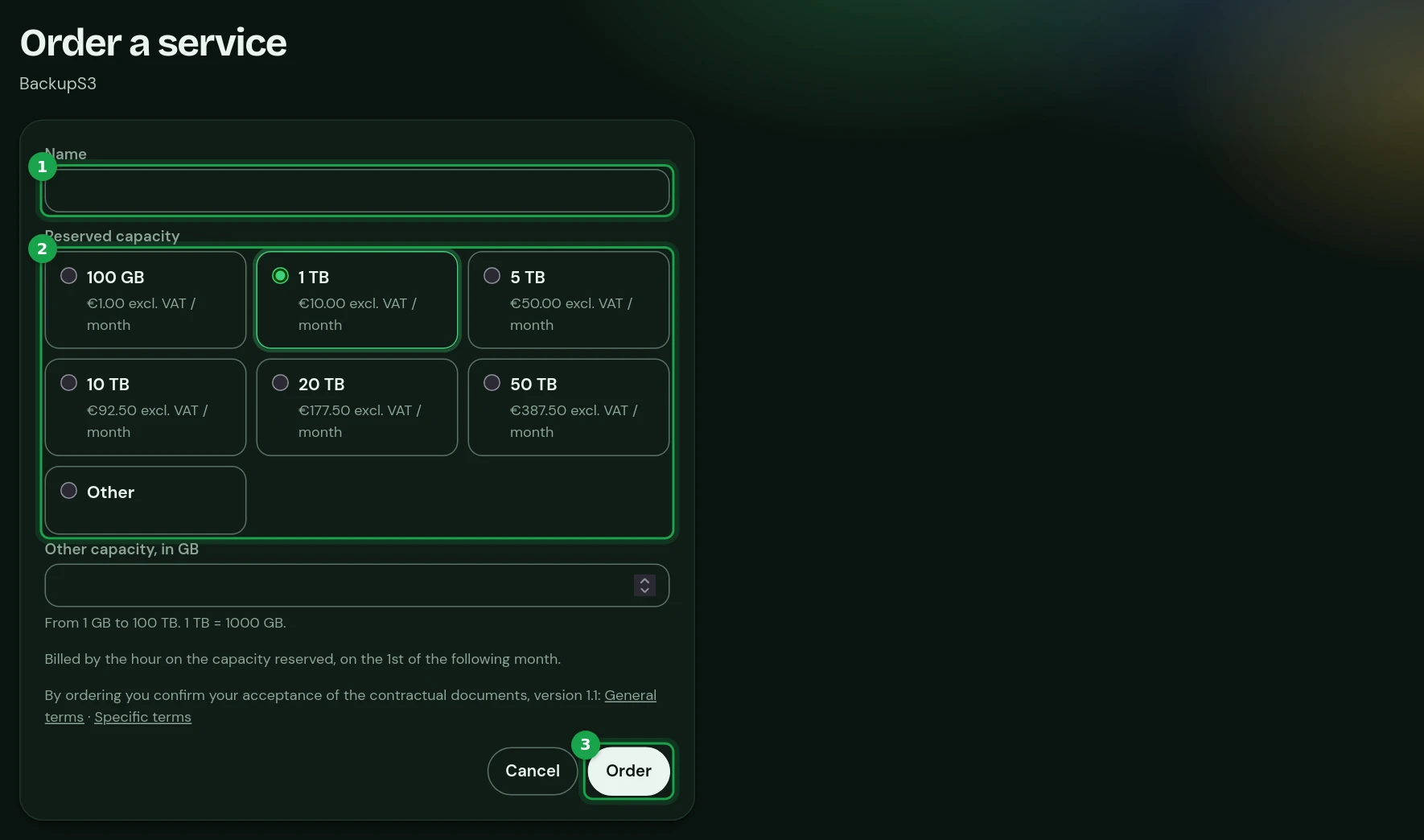
- Enter a Name and pick a Reserved capacity (a preset, or Other for any amount in GB, up to the maximum shown under the field). Each choice shows its monthly price, excluding VAT.
- Click Order.
The service is ready at once. Nothing is charged when you order: the hours are billed on your next monthly invoice, from the hour you ordered in. A card account needs a card on file first. See How billing works.
Immutable services
An immutable service protects backups against ransomware and mistakes. Every bucket in it is created with S3 Object Lock: your backup tool sets a retention date on what it writes, and until that date nobody can delete or overwrite it through S3, not even with your own keys.
To order one, open BackupS3, click New immutable service, and fill the form as above. It costs the same as a standard service; each capacity shows its price.
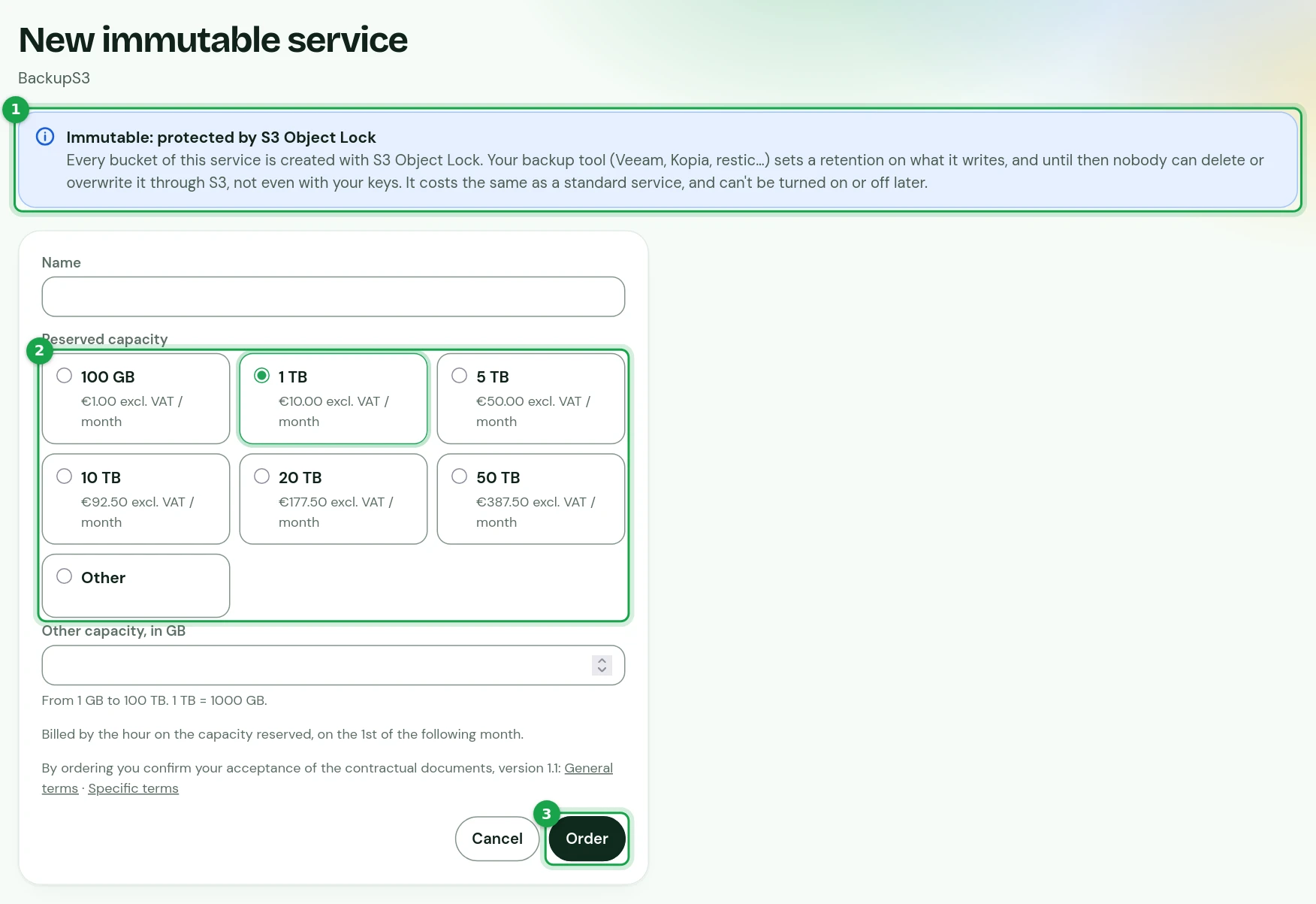
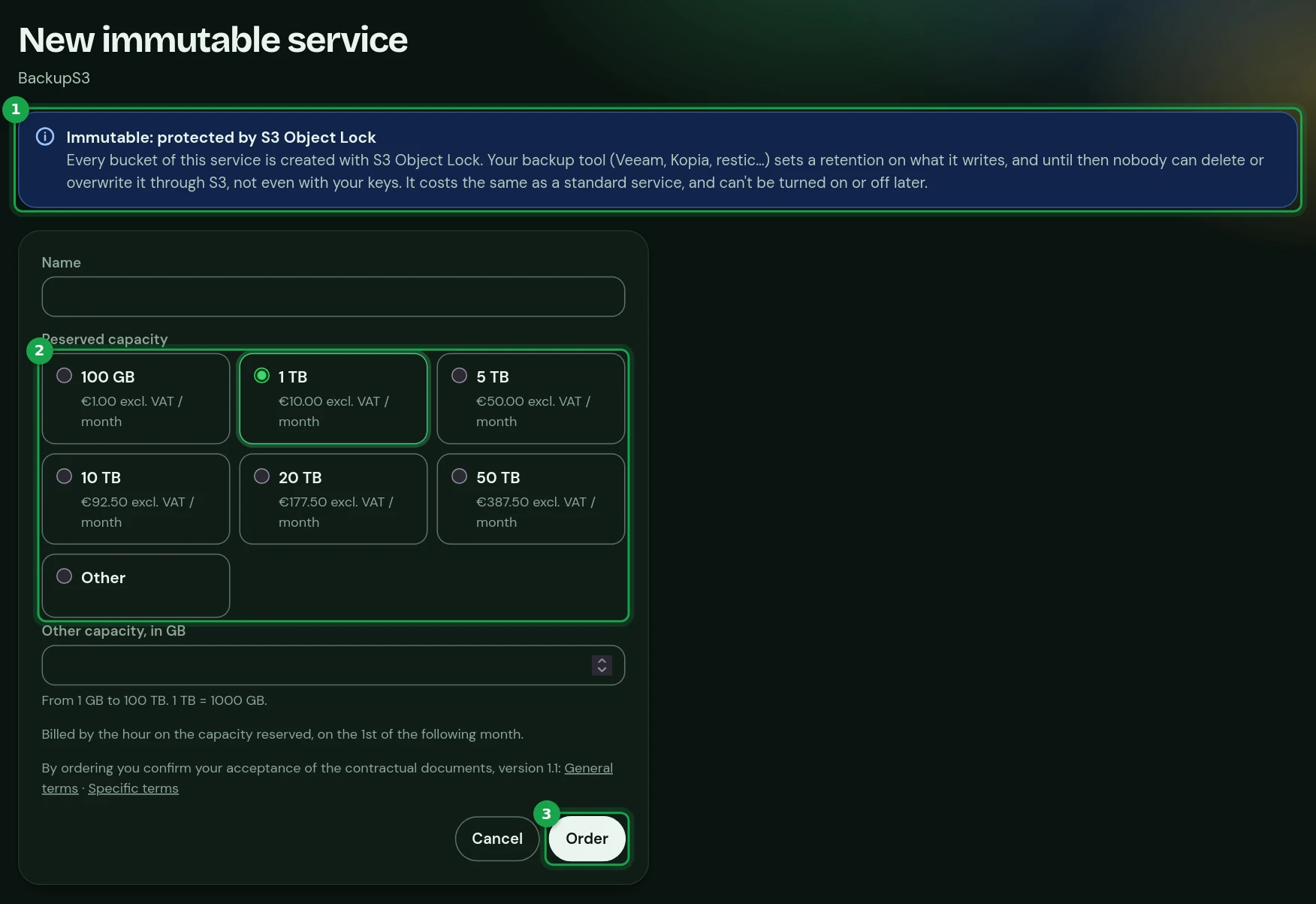
Then point your backup tool at it with immutability turned on: an immutable S3 repository in Veeam Backup & Replication, or Object Lock in Kopia or restic (through rclone). Brume sets no default retention on the buckets: your tool chooses it, in compliance mode.
Good to know:
- The choice is made at order: a standard service can't become immutable, and an immutable one stays so.
- The file explorer only reads an immutable service: browse and download, nothing else.
- Old versions count against the capacity until their retention passes and your tool removes them.
- A bucket can only be deleted once it holds nothing, locked versions included.
- Object Lock protects against anyone with your keys, not against the end of the service: if you delete the service, or it is stopped for an unpaid invoice (see Unpaid invoices), its data is erased after the usual delay, retention or not.
Connect an S3 client
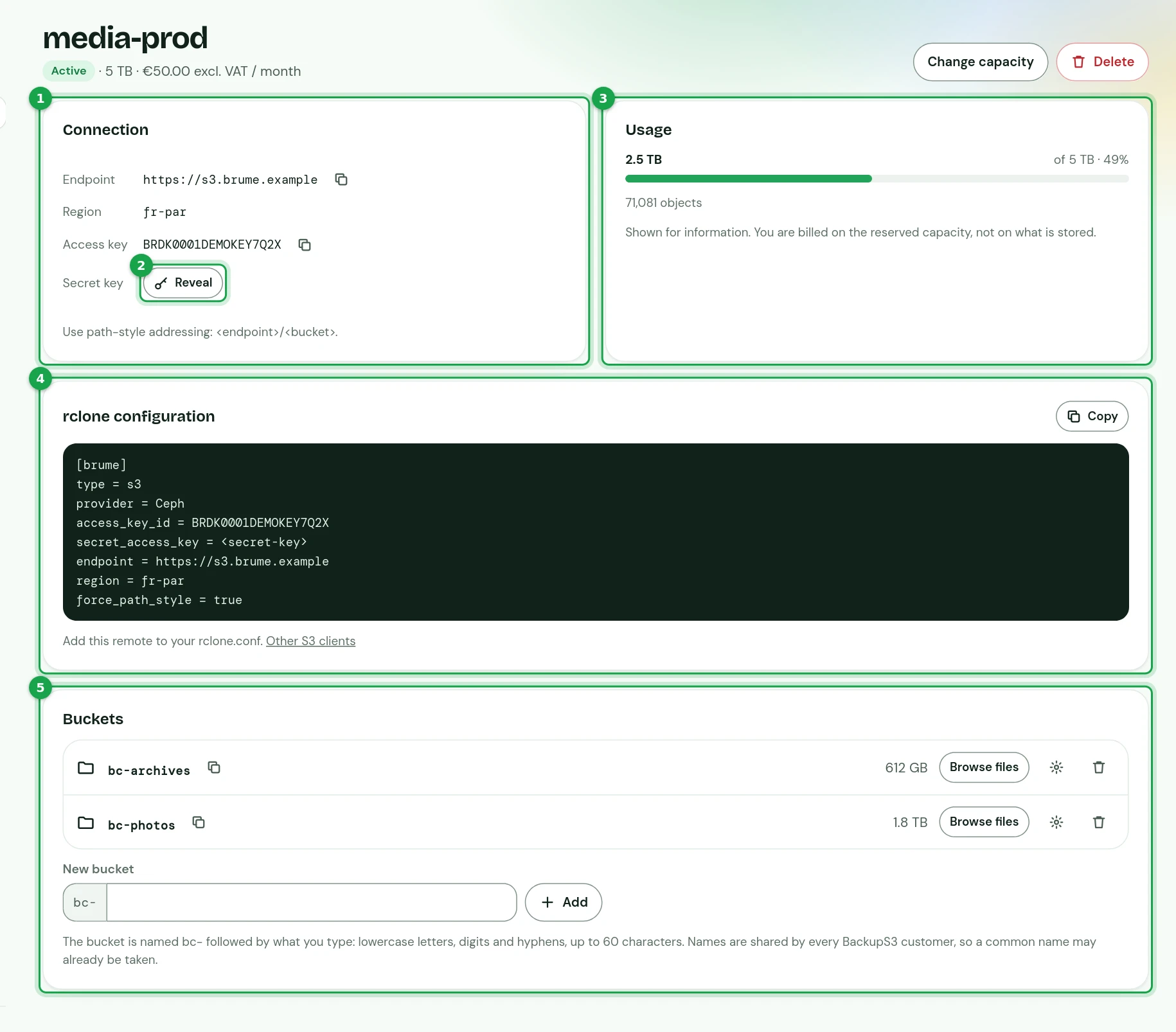
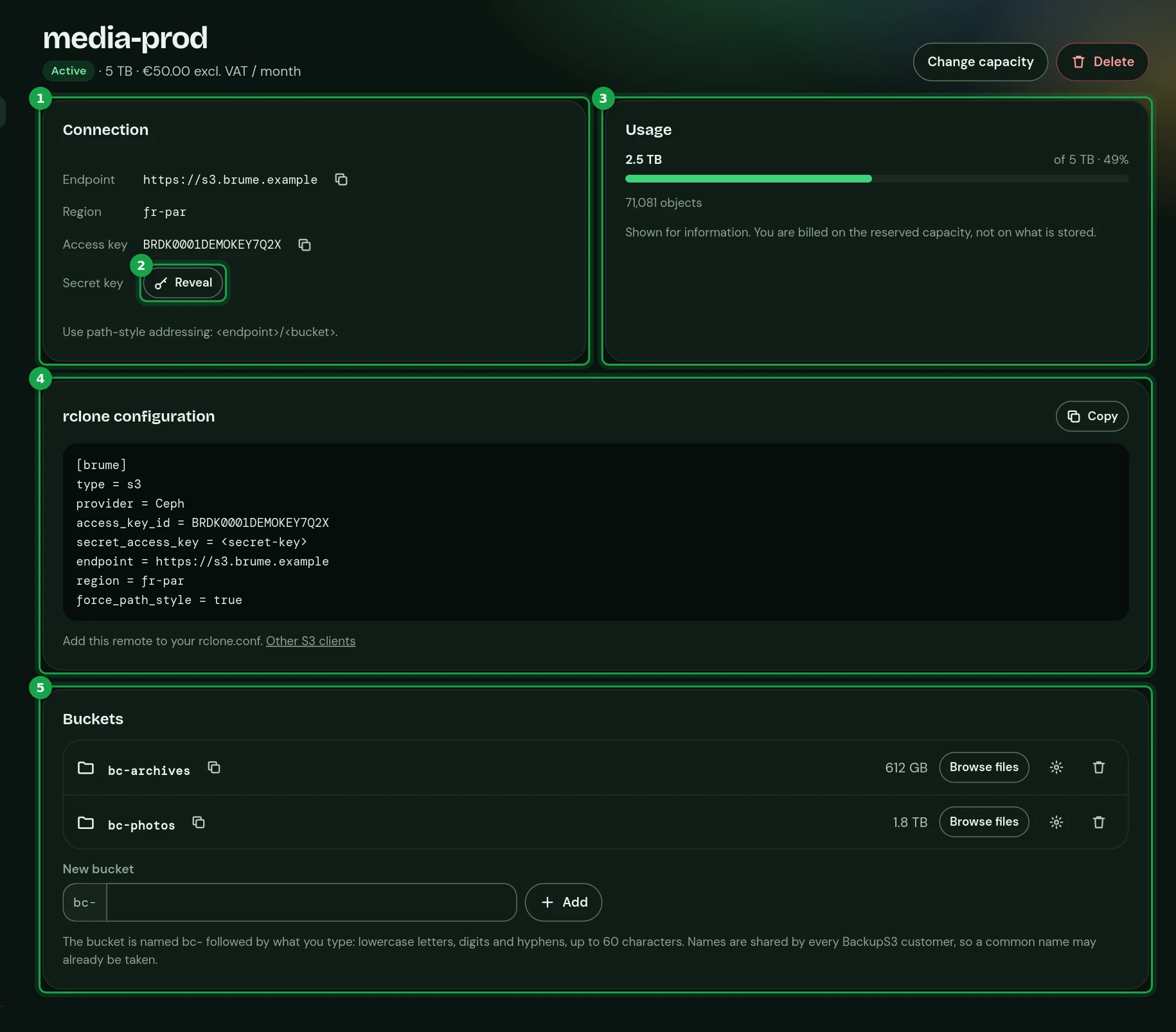
Open the service. Connection holds:
| Value | Where it goes |
|---|---|
| Endpoint | The S3 endpoint URL of your client. |
| Region | The region setting of your client. |
| Access key / Secret key | Your client's credentials. Reveal shows the secret key. |
Every service uses the same endpoint: the key pair decides which service you reach. Buckets are addressed by path; set your client to path-style addressing. Virtual-host URLs (<bucket>.<endpoint>) are not served.
rclone configuration is a ready remote for rclone (Copy puts it on your clipboard). Other clients are in S3 clients.
Buckets
Under Buckets, type a name in New bucket and click Add. The bucket is named bc- followed by what you type: photos gives bc-photos, the name your S3 client addresses. A name holds lowercase letters, digits and hyphens, up to 60 characters after bc-, and cannot start or end with a hyphen. Names are shared by every BackupS3 customer, so a common one may already be taken: the console says so, and you choose another. All buckets of a service share its capacity and its key pair. Browse files opens a bucket in the file explorer.
Only an empty bucket can be deleted: empty it with your S3 client first, then click its bin icon and confirm.
Versioning
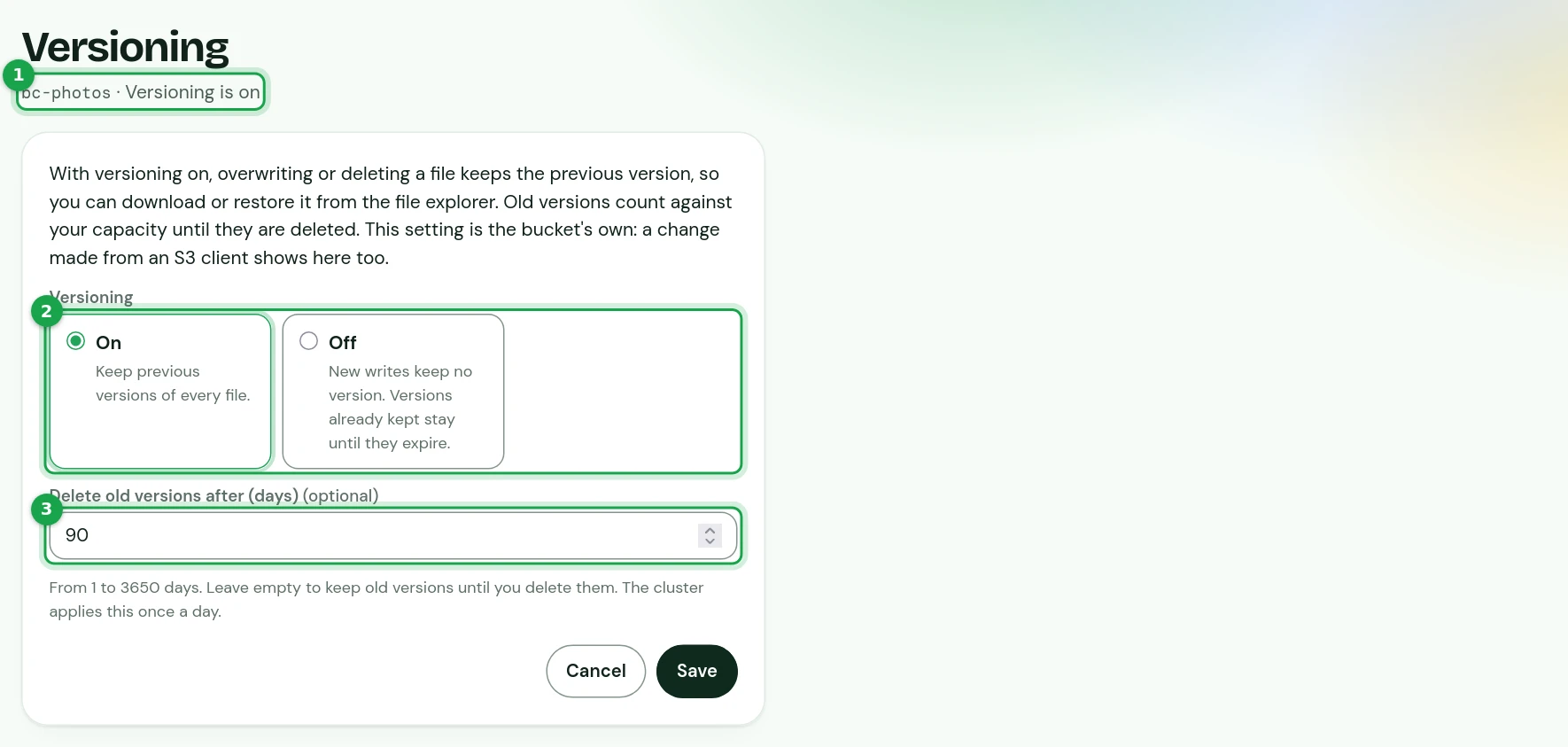
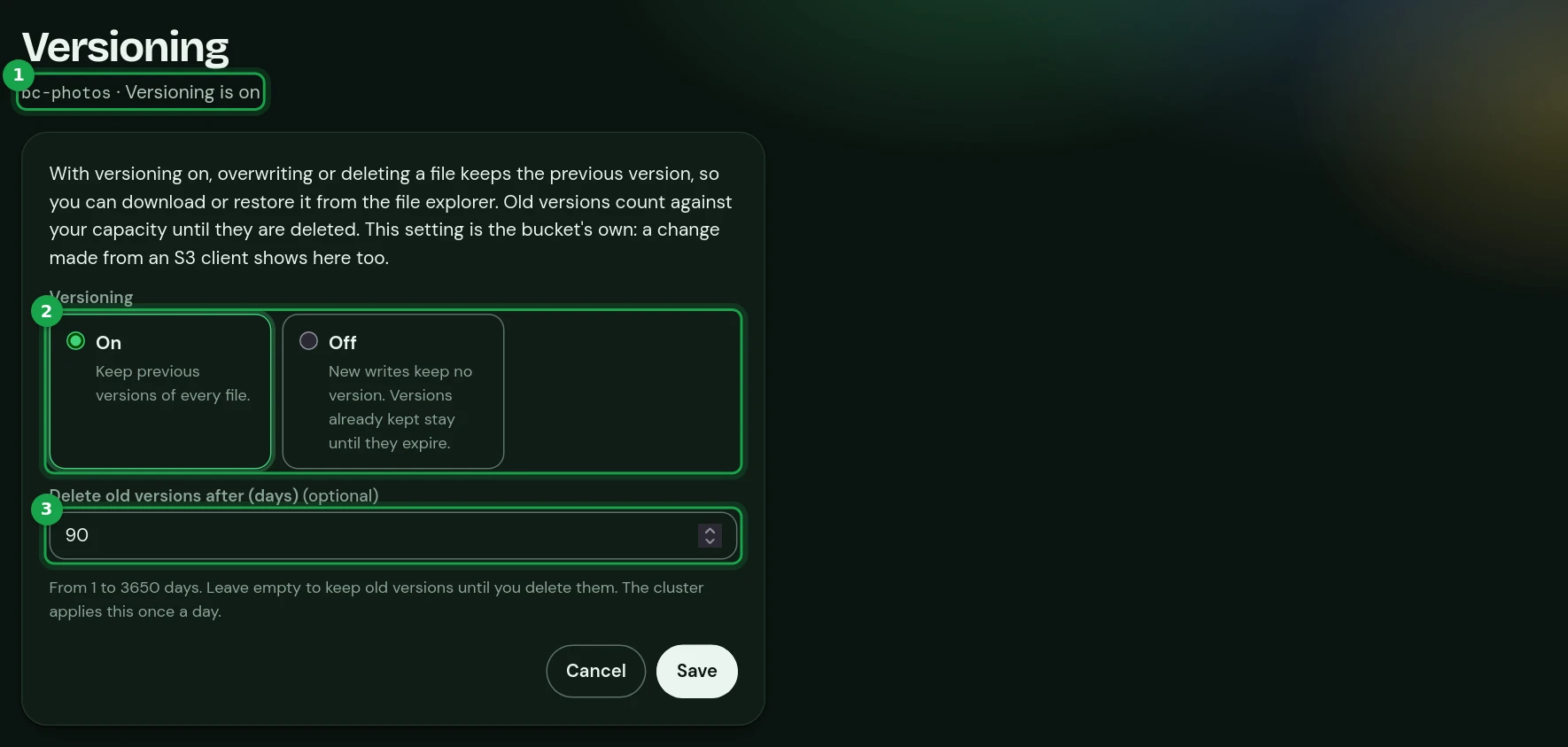
With versioning on, a bucket keeps the previous version of every file you overwrite or delete. You can then download or restore it from the file explorer.
Each bucket row shows Versioned or Versioning suspended when it applies. The state is read from the bucket itself, so turning versioning on from your S3 client shows here too. To change it, click the gear icon on the bucket:
- On keeps previous versions. Delete old versions after (days) sets how long they are kept: 90 days by default, from 1 to 3650, or empty to keep them until you delete them. The cluster applies this once a day.
- Off suspends versioning: new writes keep no version, and the versions already kept stay until they expire. S3 cannot turn a bucket back to "never versioned".
Old versions count against the service's capacity until they are deleted. Lifecycle rules you set yourself with an S3 client are kept: the console only changes its own rule. If one of your rules already deletes old versions, leave the days empty: the cluster refuses two rules that do the same thing, so yours stays in charge.
An immutable service is always versioned by Object Lock, and its versioning cannot be changed.
Change the capacity
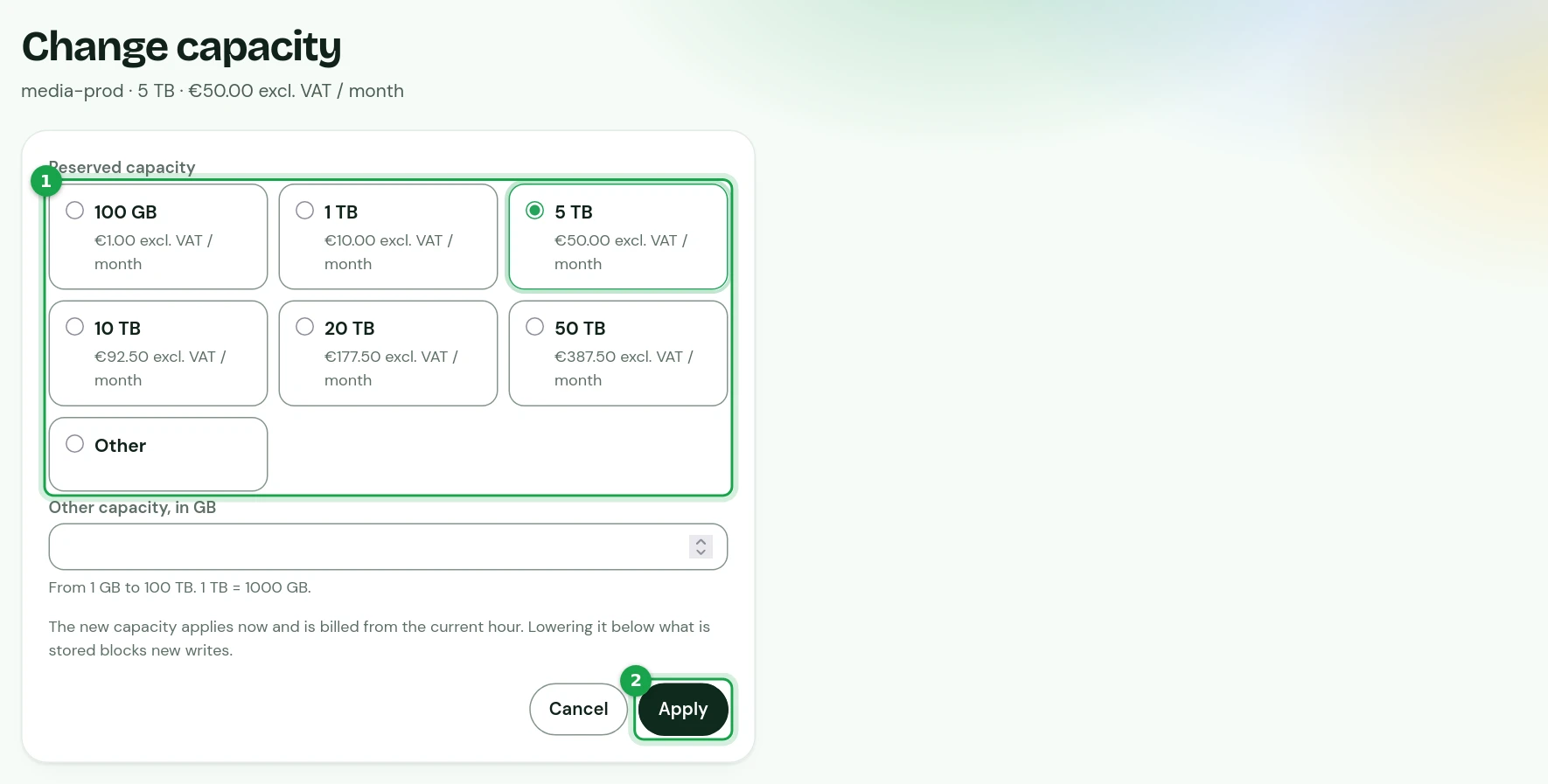
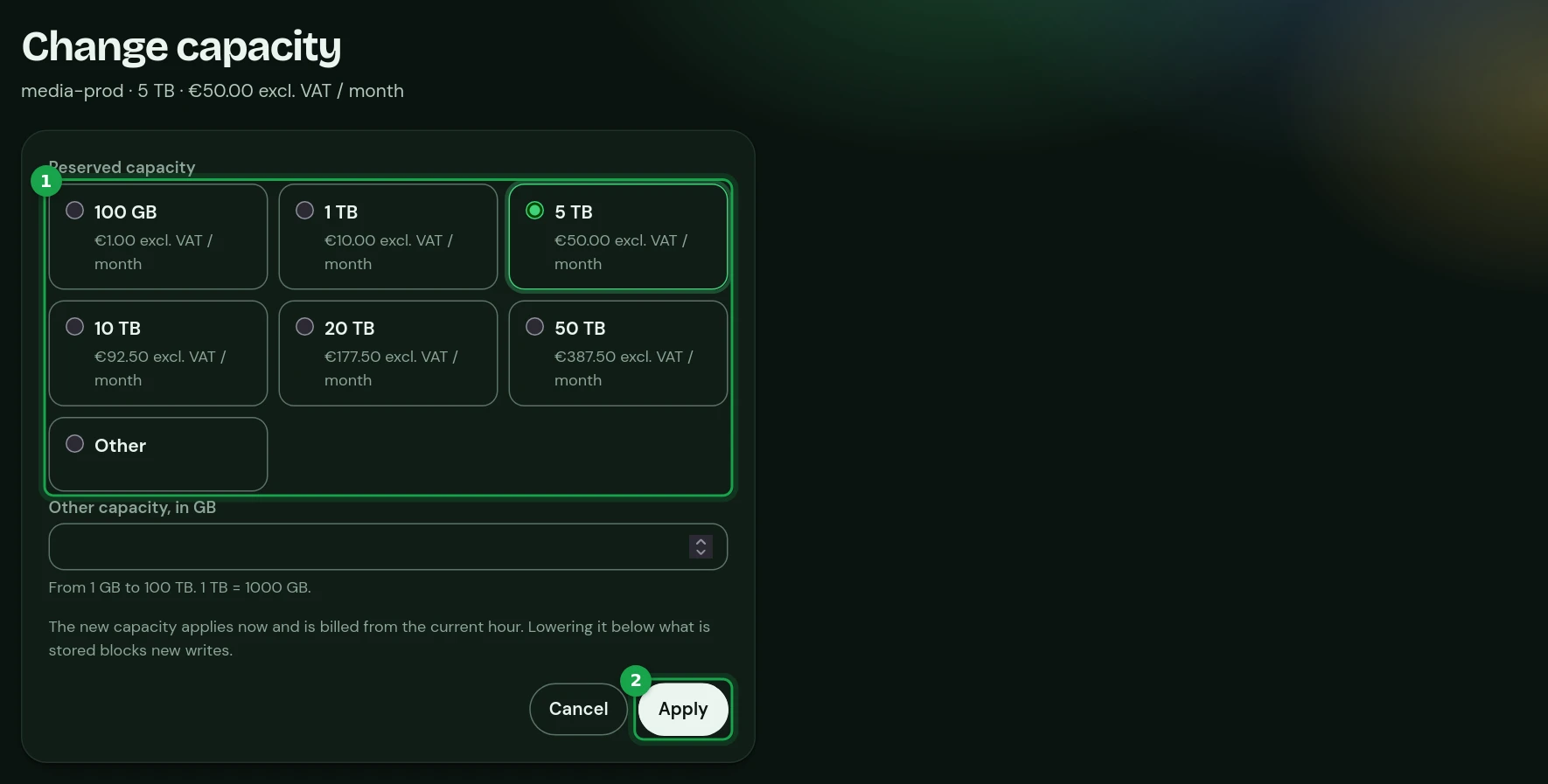
Click Change capacity, pick the new capacity and click Apply.
The new capacity applies at once. A raise is billed from the current hour, a decrease from the next one: a started hour counts at the most it carried, so there is nothing to prorate and nothing to credit. Lowering the capacity below what is stored blocks new writes until you free space or raise it again.
Usage
Usage shows the space used against the capacity, and the number of objects, read from the cluster. It is there for information: you are billed on the reserved capacity, not on what is stored.
Delete a service
Click Delete, type the service's name and confirm.
Billing stops at once. The service turns read-only and is queued for deletion; our team then erases its data, after 30 days unless agreed otherwise. This cannot be undone from the console: if it was a mistake, contact us at contact@brume-cloud.com and we restore it, as long as its data has not been erased.
Service states
| State | Meaning |
|---|---|
| Active | Reads and writes work. |
| Read-only | An invoice is unpaid (see Unpaid invoices), or Brume suspended the service (the page then says Suspended by Brume). Reads and downloads work; writes are refused. Still billed. |
| Queued for deletion | Frozen and no longer billed. Your data is intact until a person at Brume erases it. |
Reads and writes work. Billed by the hour on the reserved capacity.
Click a state for details.