
GeoS3
GeoS3 is Brume's object storage replicated across three sites, built on a Garage cluster. It offers the same things as BackupS3 (an S3 endpoint, a key pair, a reserved capacity) with a simpler model: one service is one bucket.
Coming soon
When GeoS3 is not open to new orders yet, its page in the console says Coming soon: new services can't be ordered and capacities can't be raised. Services you already have keep working, and can still be lowered or deleted.
How it differs from BackupS3
| BackupS3 | GeoS3 | |
|---|---|---|
| Built for | Backups: lower cost, fast bulk transfers | Data that must outlive the loss of a site |
| Where the data lives | One site, erasure-coded | Three sites, replicated |
| What you order | A service holding any number of buckets | A single bucket |
| Key pair | One per service | One per bucket |
| Capacity | Shared by the buckets of the service | Applied to the bucket by the cluster itself |
Two properties follow from this model:
- The capacity is enforced by the cluster. Writes are refused as soon as the bucket is full.
- The bucket name is local to the service's key: another customer can use the same name. It only makes sense together with that key pair.
Order a service
- Open GeoS3 and click New service.
- Enter a Name: the bucket is named after it.
- Pick a Reserved capacity; each choice shows its monthly price.
- Click Order.
The service is ready at once. Nothing is charged when you order: the hours are billed on your next monthly invoice. See How billing works.
Connect an S3 client
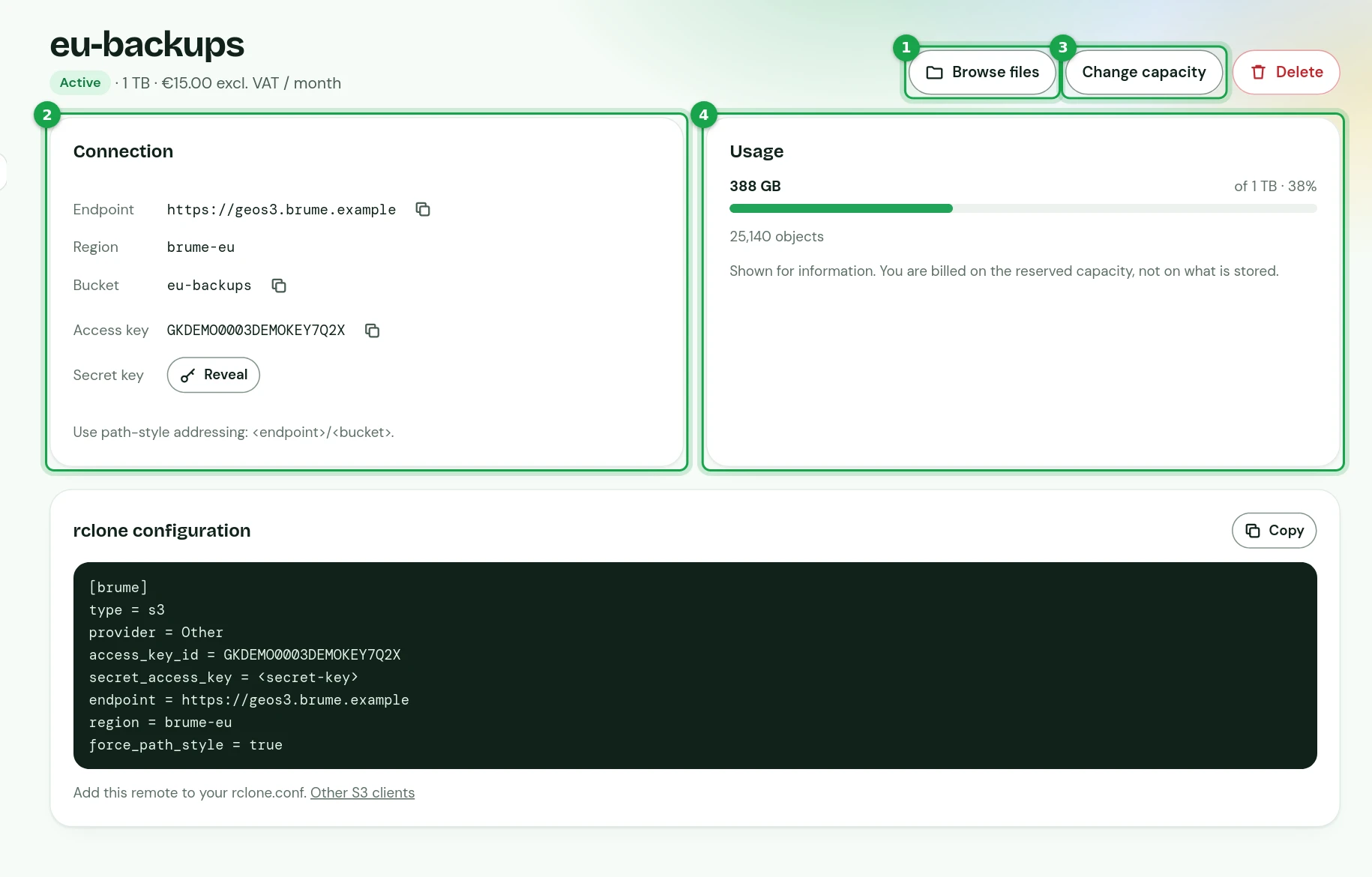
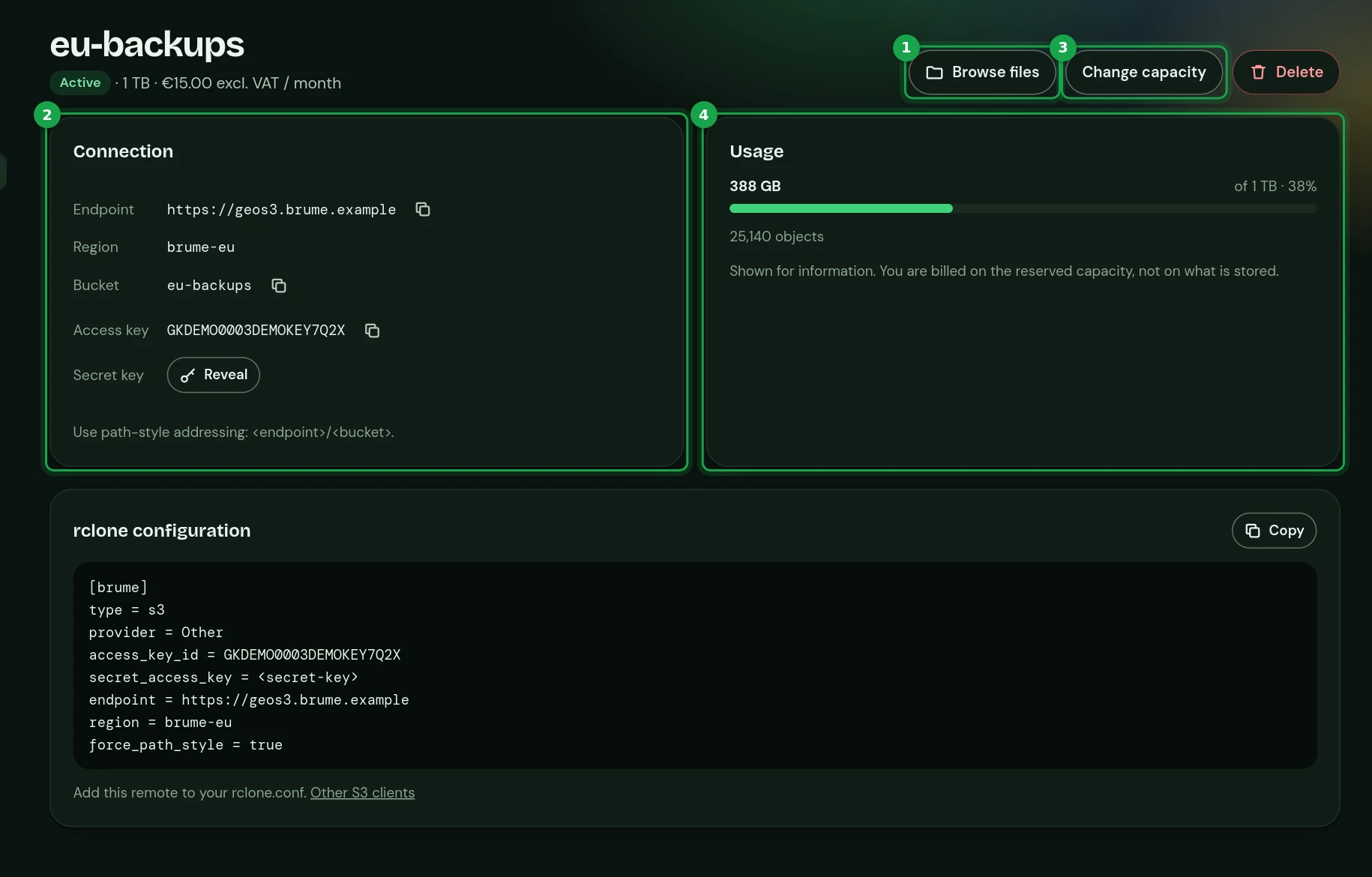
Open the service. Connection lists the Endpoint, Region, Bucket, Access key and Secret key (Reveal shows it), and rclone configuration is a ready remote. Use path-style addressing. Configurations for other clients are in S3 clients.
The key pair gives access to this bucket only. It cannot create other buckets.
Change the capacity
Click Change capacity, pick the new capacity and click Apply. It applies at once; a raise is billed from the current hour, a decrease from the next one. Lowering it below what the bucket stores blocks new writes until you free space.
Browse files
Click Browse files to browse, upload and download objects from the console: see File explorer.
Delete a service
Click Delete, type the service's name and confirm. Billing stops at once; the service turns read-only and is queued for deletion, and our team erases the bucket and its key after 30 days unless agreed otherwise. Contact us before then if it was a mistake.
Service states
GeoS3 uses the same states as BackupS3: Active, Read-only and Queued for deletion. See Unpaid invoices.
Reads and writes work. Billed by the hour on the reserved capacity.
Click a state for details.